
Wan AI: Alibaba’s AI Model for Making Images and Video, Explained
Yes — Alibaba’s AI can make pictures and video, not just chat. Wan (通义万相, Tongyi Wanxiang) is Alibaba’s line of image- and video-generation models, according to the Wan-Video GitHub organization. It sits next to Qwen, the chatbot and text model, as the creative half of Alibaba’s AI family.
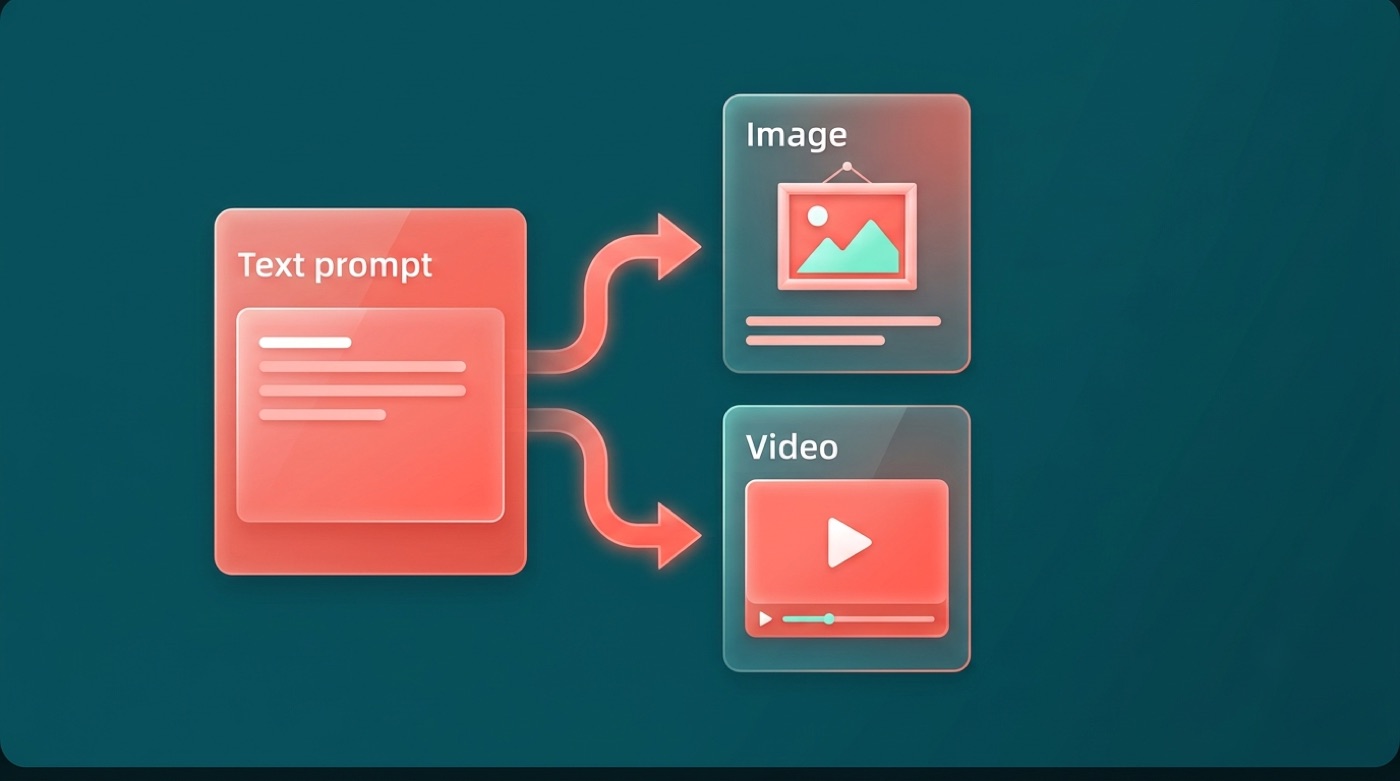
In plain English, “Wan AI” turns a text prompt — or a still photo — into a short video clip or an image. Per Alibaba’s own repositories, it is open-source: anyone can download the weights free from GitHub, Hugging Face, and Alibaba’s ModelScope hub. Exact specs and version numbers below are attributed to Alibaba’s published documentation, since the project moves fast.
What is Wan AI? (in plain English)
Wan is Alibaba’s family of generative models built for images and video rather than text. The Wan-Video GitHub organization describes the project with the tagline “Wan: Open and Advanced Large-Scale Video Generative Models,” and Alibaba’s Wan team is credited as the developer across its repositories and Hugging Face pages.
The short answer
Wan (Chinese name 通义万相, romanized Tongyi Wanxiang) is Alibaba’s family of generative models for images and video, per the project’s own GitHub description.
Wan vs Qwen — two halves of Alibaba’s AI
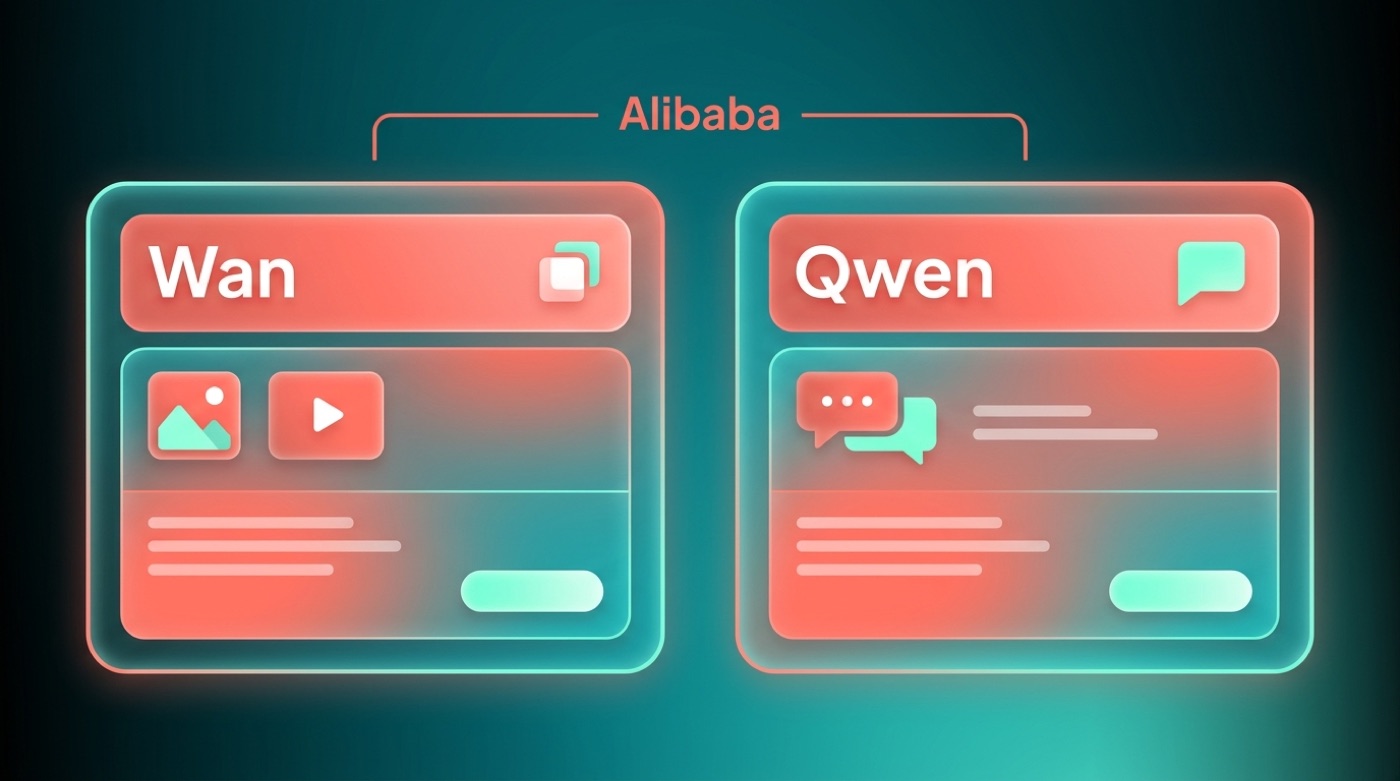
Qwen (Tongyi Qianwen) is Alibaba’s text and chat model — think of it as Alibaba’s answer to a general-purpose chatbot. Wan is the picture-and-video counterpart. Both come from the same company and share the “Tongyi” branding, but they do different jobs: one writes and reasons, the other generates visuals. If you’re comparing Alibaba model options for a creative task specifically, Wan — not Qwen — is the one built for that.
| Model | Handles | Chinese name |
|---|---|---|
| Qwen | Text, chat, reasoning | Tongyi Qianwen |
| Wan | Images, video | Tongyi Wanxiang |
What can Wan AI actually do?
Wan2.1’s own repository describes it as a unified model for both image and video generation, meaning the same underlying architecture handles more than one output type rather than needing separate tools for each.
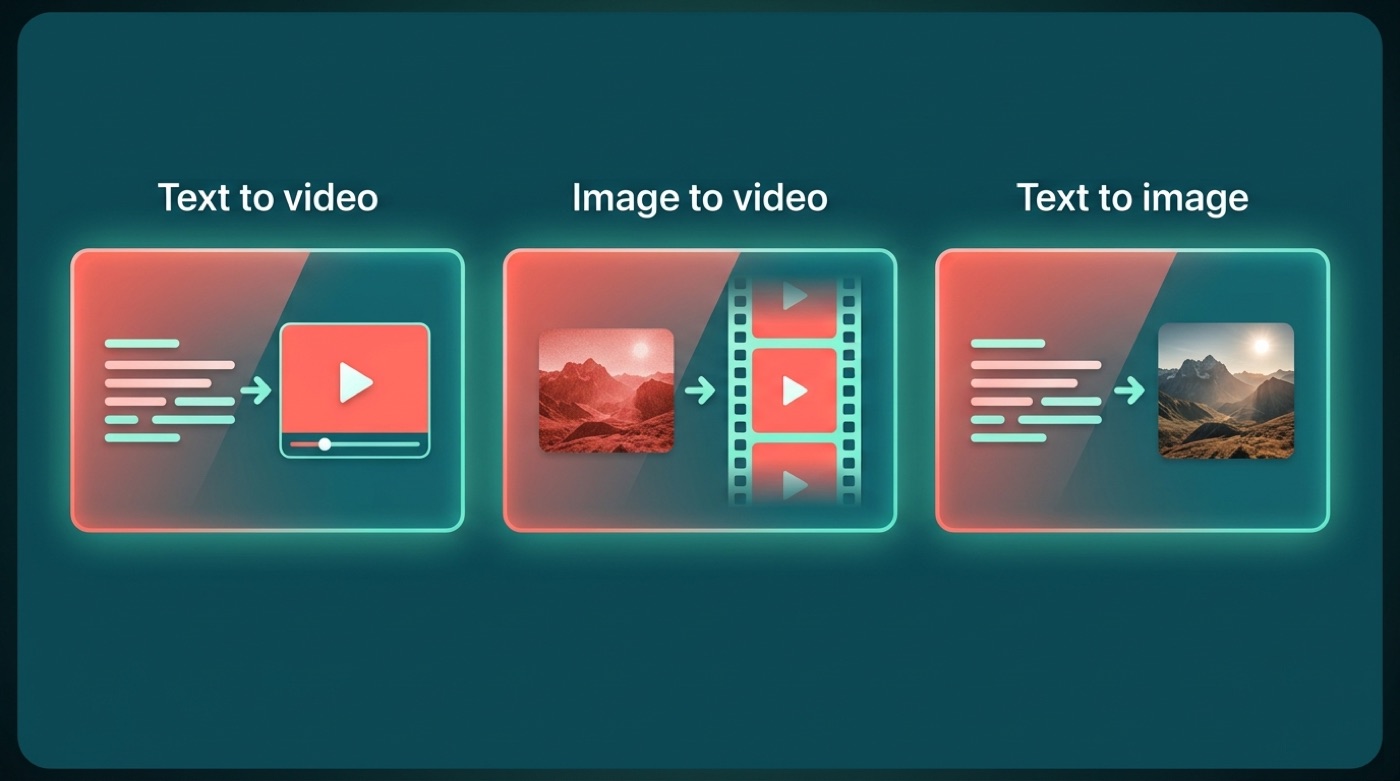
Text-to-video
Type a description, and Wan turns it into a short video clip — this is the core capability that put the project on the map. Per the Wan2.2 repository, several variants render at up to 720P resolution, with the TI2V-5B model specifically described as generating 720P video at 24fps, though actual limits vary by which model variant and hardware you’re running.
Image-to-video
Give Wan a still photo and it animates it into a short clip — this is image-to-video. Per Alibaba’s repositories, the Wan family also includes more specialized variants built on the same idea:
- Standard image-to-video (I2V) — animates a single reference photo
- First-last-frame video (FLF2V) — interpolates a clip between two given frames
- Speech-to-video (S2V) — turns audio plus a reference image into a talking clip
- Animate — applies motion to a character reference
Details on the more specialized variants are sparse outside Alibaba’s own documentation, so treat exact capabilities as attributed to the vendor.
Text-to-image (yes, pictures too)
For anyone wondering “can Alibaba’s AI make images?” — yes. Wan2.1 was built as a unified model that also generates still images, not just video.
Wan2.1 is a unified model for both image and video generation … it can also generate images.
Wan-Video/Wan2.1, GitHub
That single-model approach is part of why Wan gets grouped with general-purpose “Alibaba AI model” releases rather than treated as a narrow video-only tool.
Wan versions: Wan2.1 and Wan2.2
Alibaba has released two confirmed generations of Wan so far, each shipped as several purpose-built variants rather than one single model.
Wan2.1 — the first open release. Per the GitHub repository, Wan2.1 shipped as several variants:
- T2V-14B — text-to-video, available at 480P and 720P
- T2V-1.3B — a lightweight version Alibaba says can run on a single consumer GPU
- I2V-14B — image-to-video
- FLF2V-14B — first-last-frame video
- VACE — a video editing model
Exact release dates and hardware requirements are attributed to Alibaba’s own documentation.
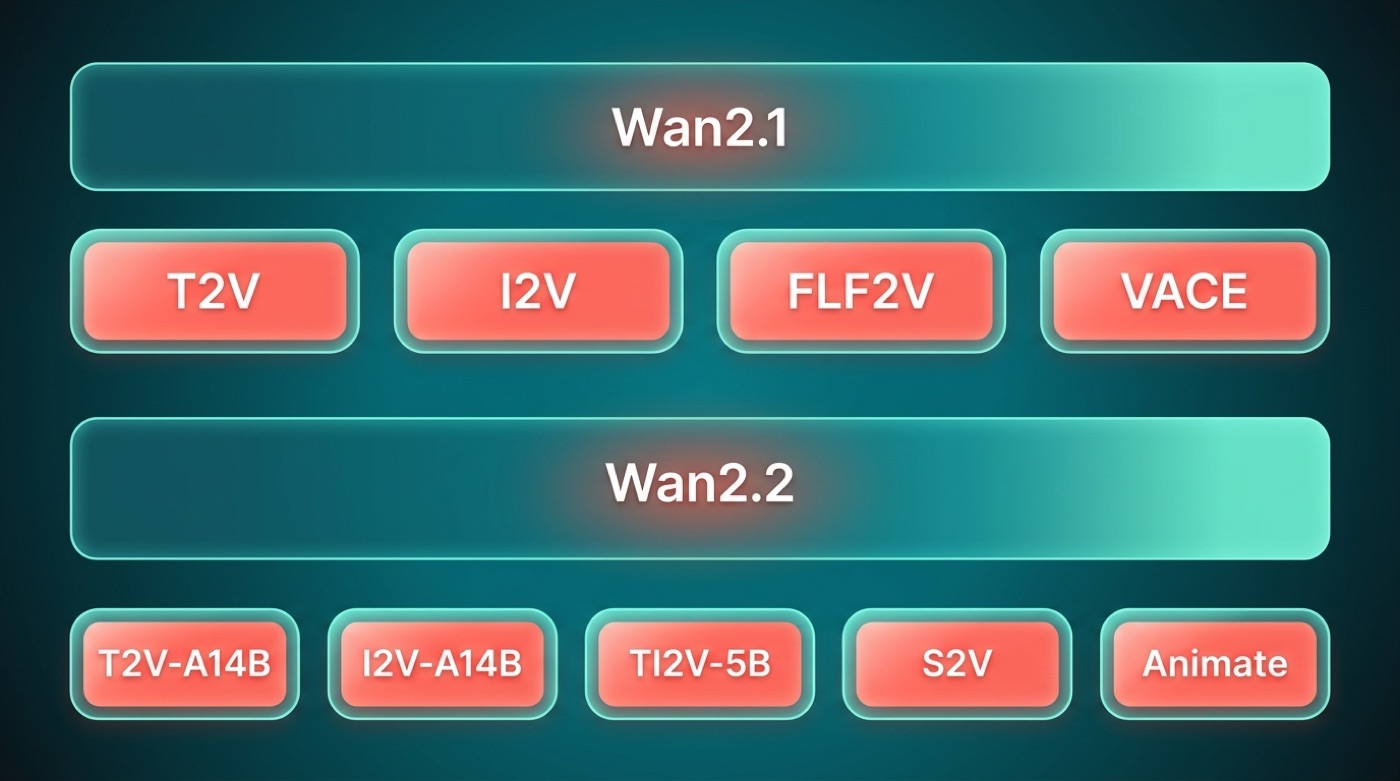
Wan2.2 — the follow-up. Alibaba’s repository lists Wan2.2 variants including T2V-A14B, I2V-A14B, a smaller TI2V-5B, an S2V-14B speech-to-video model, and an Animate-14B character animation model. According to Alibaba, the T2V and I2V variants use a Mixture-of-Experts (MoE) architecture with roughly 27B total parameters and about 14B active at any given time — a design meant to add capacity without proportionally increasing compute cost per step.
| Variant | Version | What it does | Notes (per Alibaba) |
|---|---|---|---|
| T2V-14B / T2V-1.3B | Wan2.1 | Text-to-video | 1.3B variant runs on a single consumer GPU |
| I2V-14B | Wan2.1 | Image-to-video | Animates a still photo |
| FLF2V-14B | Wan2.1 | First-last-frame video | Interpolates between two frames |
| VACE | Wan2.1 | Video editing | For editing existing clips |
| T2V-A14B / I2V-A14B | Wan2.2 | Text-to-video / image-to-video | MoE architecture, ~27B total / ~14B active |
| TI2V-5B | Wan2.2 | Text- and image-to-video | Smaller, lighter footprint |
| S2V-14B | Wan2.2 | Speech-to-video | Audio plus reference image |
| Animate-14B | Wan2.2 | Character animation | Animates a character reference |
Where Wan fits in Alibaba’s AI family
Alibaba groups its models under the “Tongyi” brand: Tongyi Qianwen is Qwen, the text model, and Tongyi Wanxiang is Wan, the image-and-video model, per Alibaba’s own naming across its GitHub and Hugging Face pages. Qwen is listed among Alibaba Cloud’s products on Wikipedia, which also describes the broader push to build out consumer- and enterprise-facing AI tools.
The Tongyi umbrella
Alibaba’s naming convention groups its models by function rather than by a single flagship product:
- Tongyi Qianwen (Qwen) — text and chat
- Tongyi Wanxiang (Wan) — image and video generation
- Both sit under Alibaba Cloud’s broader Alibaba AI model research and product umbrella
That structure explains why searching for one often surfaces the other — they’re siblings, not competitors, inside the same company’s roadmap.
Comparison table (Qwen vs Wan)
| Model | Chinese name | What it makes | Where to try |
|---|---|---|---|
| Qwen | Tongyi Qianwen | Text, chat, code, reasoning | qwenlm.github.io, Hugging Face |
| Wan | Tongyi Wanxiang | Images, video | github.com/Wan-Video, huggingface.co/Wan-AI |
How to try or download Wan AI (is it free?)
Free and open-source
Per Alibaba’s repositories, many Wan models are released under the Apache 2.0 license — meaning the weights are free to download, run, and in many cases modify or use commercially. “Open weights” simply means Alibaba publishes the trained model files themselves, not just an API, so anyone with the right hardware can run Wan locally. Coverage and terms can vary by specific model variant, so it’s worth checking the license file attached to each release before commercial use.
Where to get it (list)
- github.com/Wan-Video — source code, documentation, and setup instructions for every variant
- huggingface.co/Wan-AI — downloadable model weights, ready to plug into common inference tools
- ModelScope — Alibaba’s own model hub, with weights and hosted demos for several Wan variants
- Community tools like ComfyUI, or Alibaba Cloud’s hosted services, for anyone who’d rather not manage local inference
Availability and exact download steps are attributed to the linked repositories, and Alibaba notes that the larger variants (the 14B-parameter models especially) need a genuinely capable GPU to run at reasonable speed.
How to try Wan AI locally, step by step
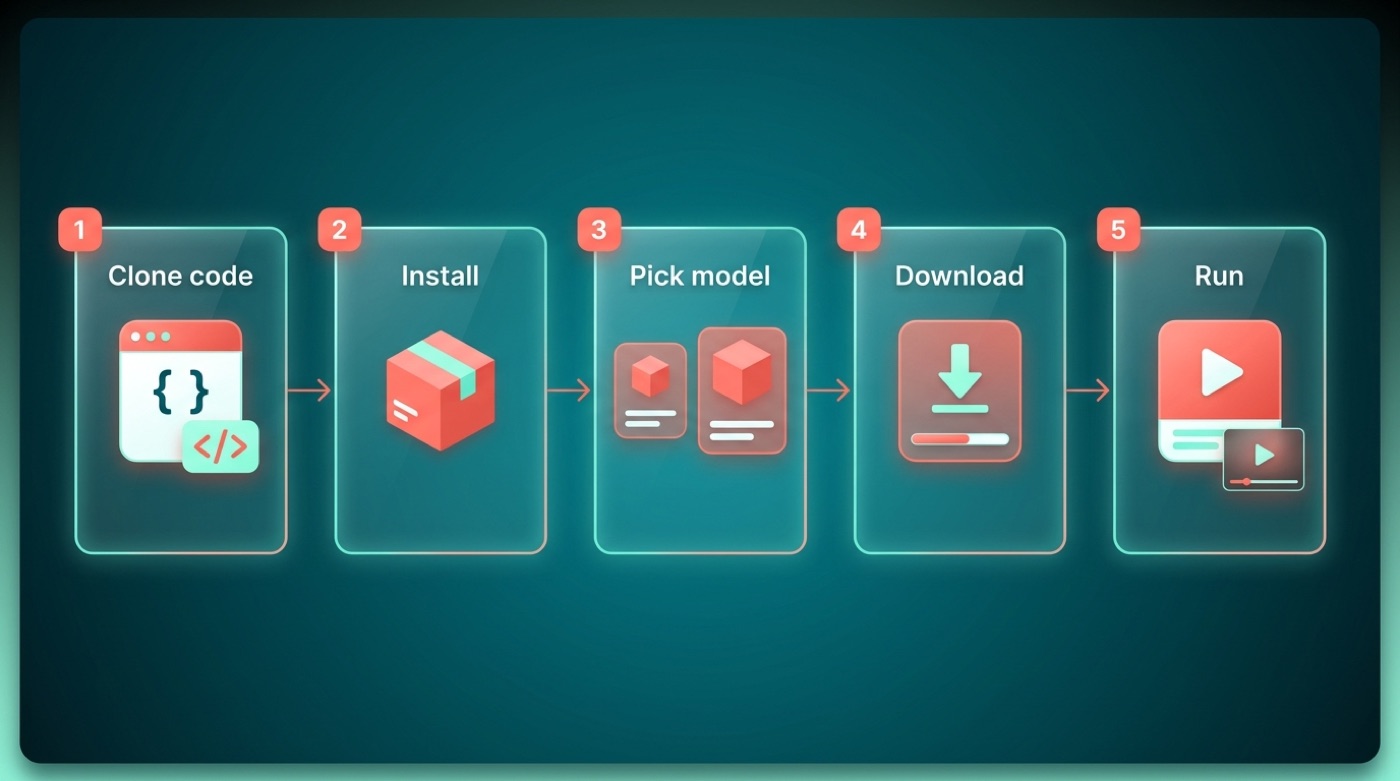
Per the setup instructions in Alibaba’s repositories, running Wan yourself generally follows this pattern:
- Clone the code from github.com/Wan-Video (choose the Wan2.1 or Wan2.2 repo)
- Install the Python dependencies listed in the repo’s requirements file
- Pick a variant based on your GPU — a lightweight model like T2V-1.3B for a single consumer GPU, or a larger 14B-class model if you have more VRAM
- Download the matching weights from huggingface.co/Wan-AI or ModelScope
- Run the provided inference script with a text prompt or a reference image, per the repo’s documented command-line flags
Exact commands and flags vary by variant and version, so treat this as a general path rather than copy-paste instructions — check the specific repo’s README before running anything.
FAQ
Unofficial — not affiliated with, endorsed by, or sponsored by Alibaba or the Qwen team.