
Qwen App: Is There an Alibaba AI App You Can Use?
Yes — the simplest way to use Qwen as an app is the free Qwen Chat web app at chat.qwen.ai, Alibaba’s own consumer AI chat. Qwen, also called Tongyi Qianwen, is developed by Alibaba Cloud and is widely described as Alibaba’s closest answer to ChatGPT.
In plain English, you open it in a browser, sign in, and start typing, much like other AI assistants. This guide explains what “the Qwen app” really is, how to use it, what it can do, and whether it’s free.
Is There a Qwen App? The Honest Answer
There is no single official “Qwen app” in the way ChatGPT has one flagship download — instead, Alibaba offers a few different doors into the same underlying models, and which one you use depends on where you live and what you’re trying to do. Understanding this upfront saves confusion later, because searching app stores for “Qwen” doesn’t always surface a consistent result.
The main way: the Qwen Chat web app
The primary consumer app is Qwen Chat at chat.qwen.ai — a free, browser-based AI chat by Alibaba Cloud. It works on desktop and mobile browsers without installing anything. Whether a dedicated iOS or Android download is available in your country varies and changes over time, so any mobile-app-store specifics — listings, ratings, exact features — should be treated as something to check directly with Alibaba rather than assumed.
The Qwen app in China (formerly Tongyi)
In China, Alibaba’s consumer AI app started life as Tongyi, launched in 2023, and was later rebranded to the Qwen app (also referred to as Qianwen) as Alibaba consolidated its AI branding — so you may see it referred to under either name depending on when a source was written. It’s the China-facing consumer product built on the same Qwen model family. Beyond the naming and the fact that it’s built on Qwen, details like install numbers or store rankings aren’t something to take as fixed — Alibaba is the authoritative source for anything more specific.
A table of ways to use it
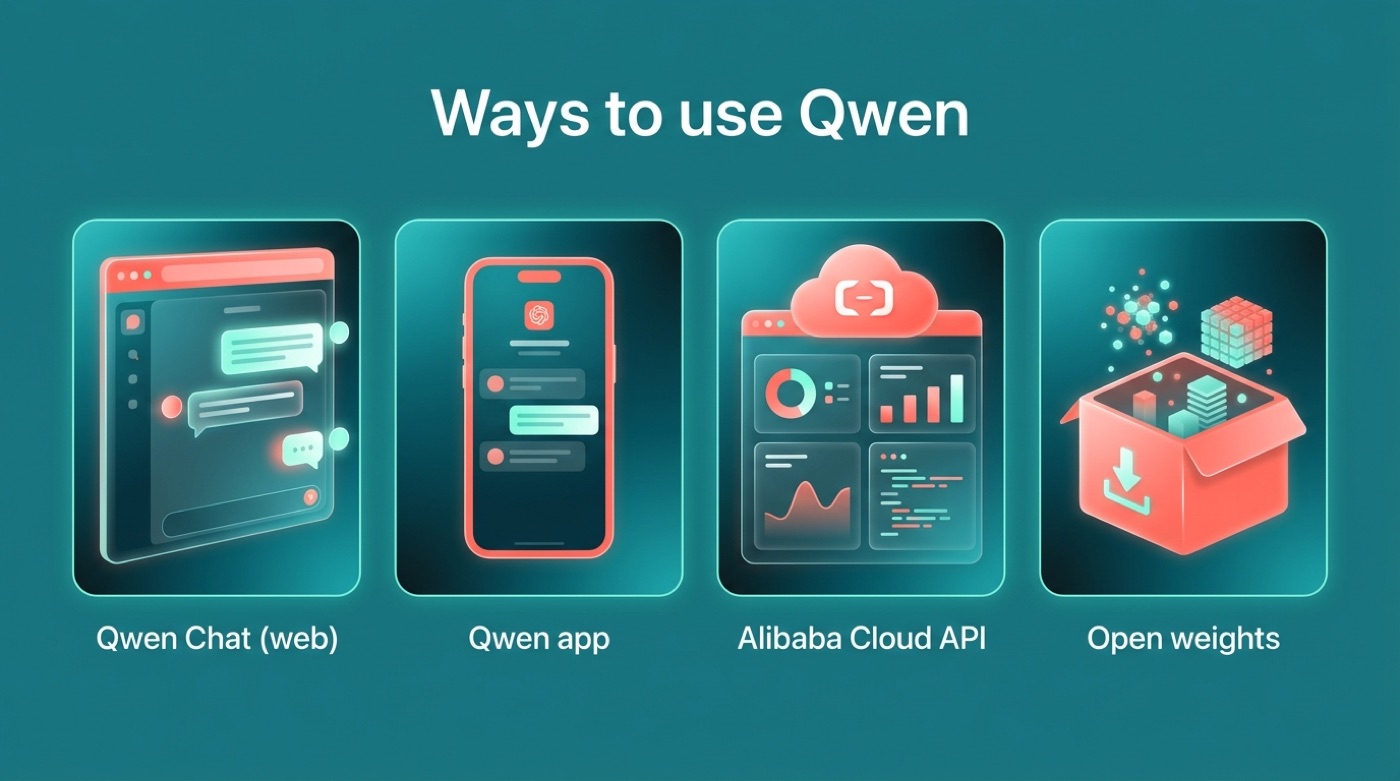
| Way | What it is | Who it’s for |
|---|---|---|
| Qwen Chat (chat.qwen.ai) | Free web chat app in the browser | Everyday users |
| Qwen app (formerly Tongyi) | Alibaba’s consumer app in China, powered by Qwen | Users in China |
| Alibaba Cloud (DashScope / Model Studio) | API to build Qwen into your own apps | Developers |
| Open weights (Hugging Face / ModelScope) | Download and run the model yourself | Technical users |
How to Use Qwen Chat (Step by Step)
Getting started with Qwen Chat takes only a couple of minutes, and the flow will feel familiar if you’ve used any other browser-based AI assistant before.
Getting started in a browser
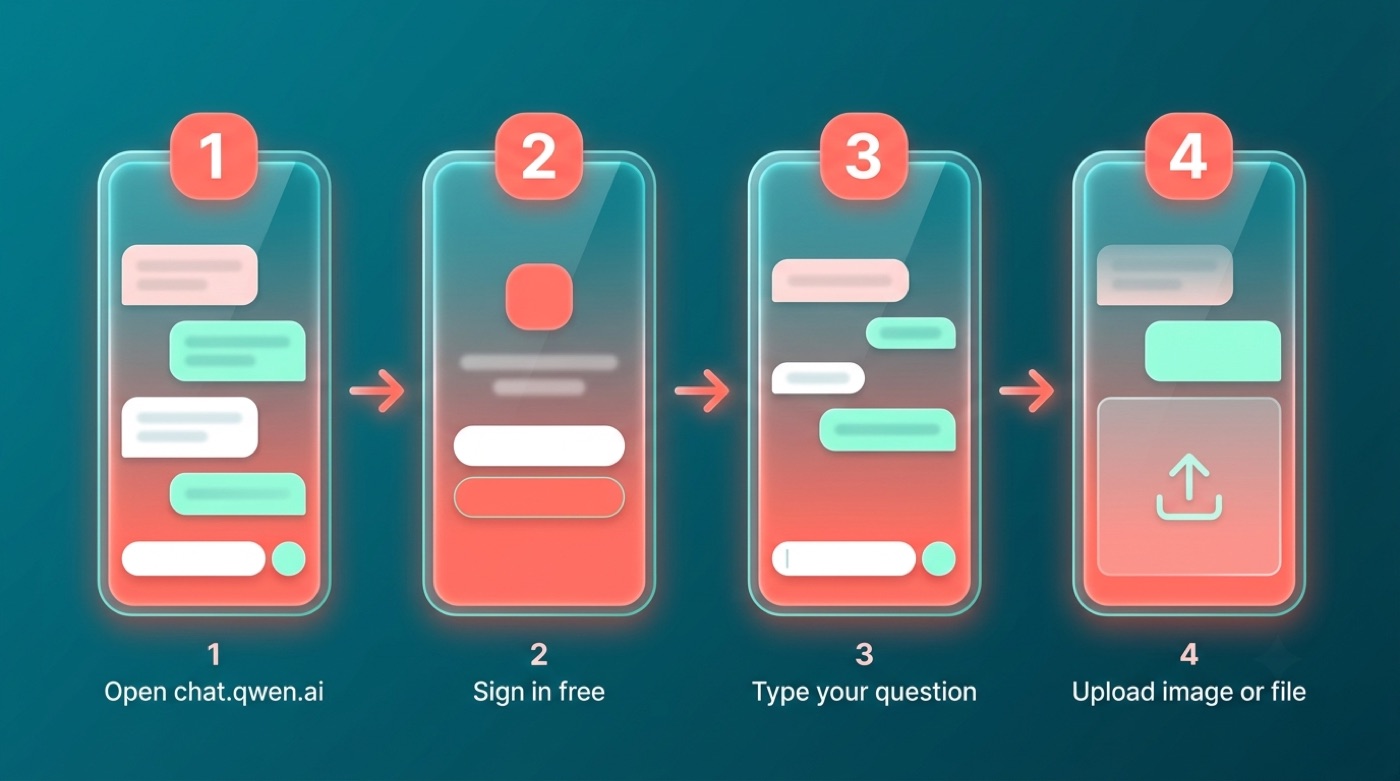
- Open chat.qwen.ai in your browser.
- Sign in or create a free account (the exact sign-in options are set by Alibaba and can change, so check the page itself rather than assuming a specific method).
- Type your question or request into the message box.
- Upload an image or document if you want it analyzed.
- Read the reply and keep the conversation going, refining your question as needed.
Keep in mind that interface details — button placement, menu names, settings — are controlled by Alibaba and can shift between updates, so treat the steps above as the general shape rather than a pixel-exact walkthrough.
Qwen is a family of large language models developed by Alibaba Cloud (formerly known as Tongyi Qianwen), designed for tasks including natural language understanding, text generation, and more.— Qwen, Wikipedia
What the Qwen App Can Do
Qwen Chat isn’t limited to plain text conversation — it bundles several capabilities that used to require separate tools.
Everyday tasks it handles:
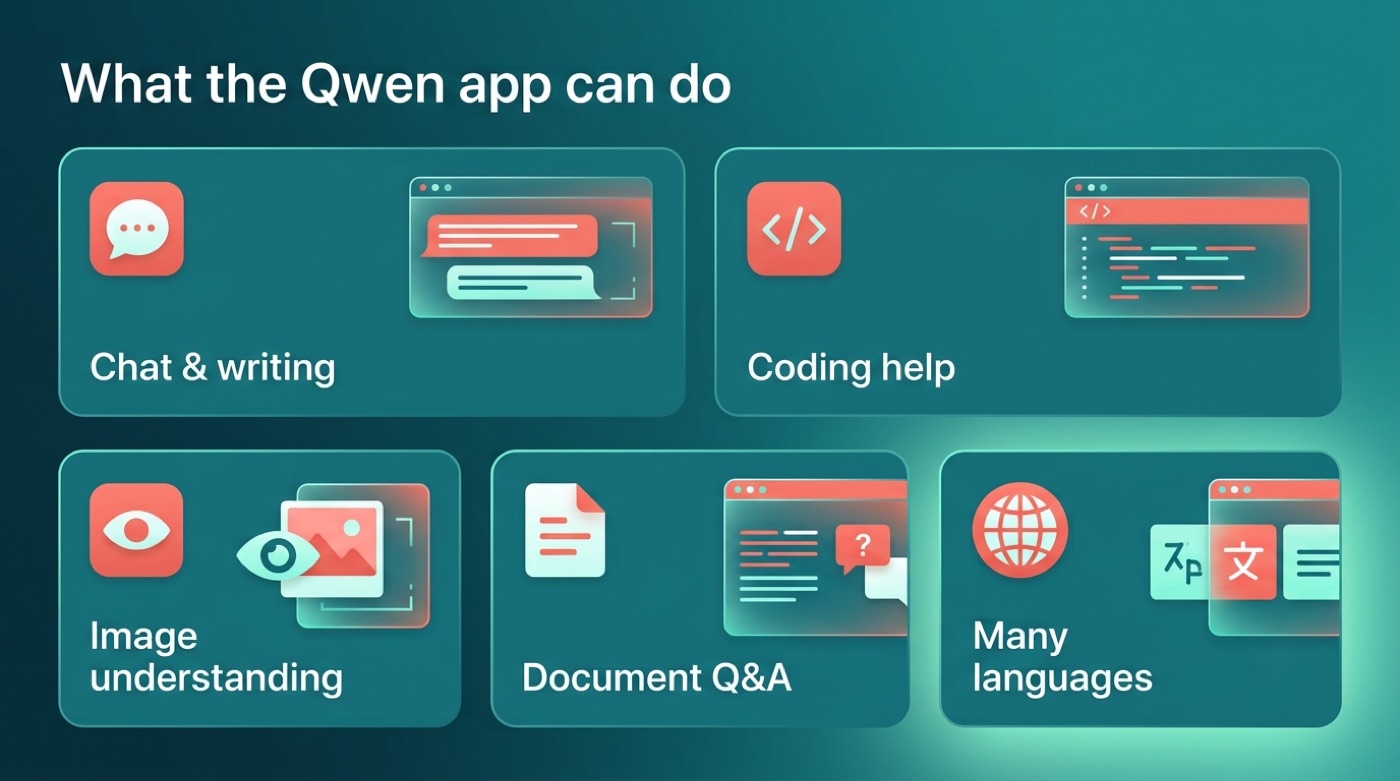
- General chat and writing help — drafting, editing, brainstorming
- Coding help, drawing on the Qwen-Coder line of models
- Image understanding — “seeing” photos and screenshots through the Qwen-VL vision models
- Document Q&A — upload a file and ask questions about its contents
- Support for many languages; Alibaba has described recent versions as covering well over 100 languages
Full technical details on model capabilities are published by the QwenLM team on GitHub, including release notes for each model line.
Which model powers it
The app runs on Qwen models — the flagship Tongyi Qianwen family, alongside specialized lines like Qwen-VL for vision tasks and Qwen-Coder for programming. Alibaba has released several confirmed generations over time:
- Qwen — the original release
- Qwen1.5
- Qwen2
- Qwen2.5
- Qwen3
Exactly which generation powers Qwen Chat at any given moment is best checked on Alibaba’s own channels, since the lineup keeps evolving.
Is the Qwen App Free?
For most people, the answer is a straightforward yes — but the free tier and the developer tier work differently.
Free for everyday use
The Qwen Chat web app is free to use for everyday chatting. Any usage limits — message caps, rate limits, feature gating — are set by Alibaba and can change, so don’t treat a specific number as fixed.
- Qwen Chat (chat.qwen.ai) is free for everyday conversational use
- The developer API on Alibaba Cloud (DashScope / Model Studio) is paid and metered
- Many open-weight Qwen models are free to download from Hugging Face, a number of them released under an Apache 2.0 license
Qwen App vs ChatGPT
Both are chat-style AI assistants you can use directly in a browser, but they differ in ownership and openness.
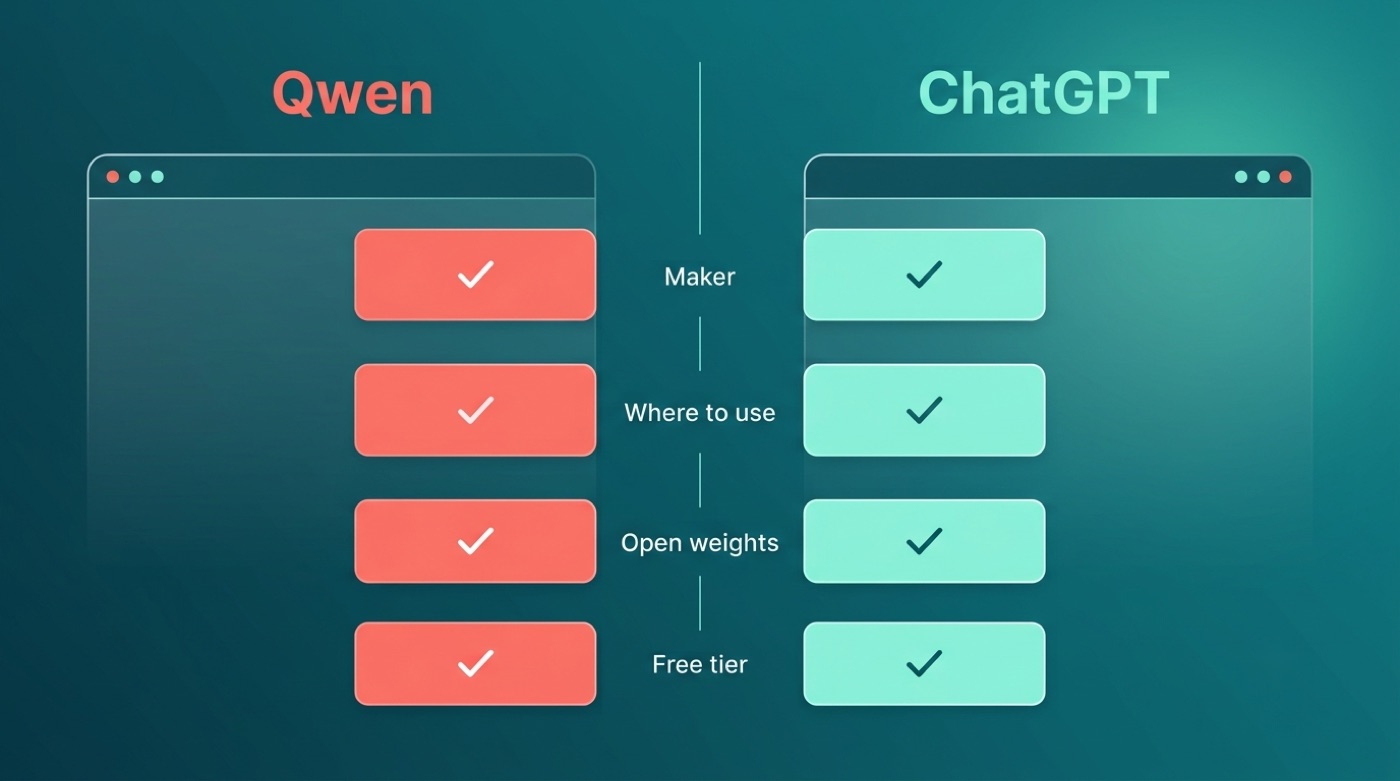
A plain comparison
| Aspect | Qwen (Qwen Chat) | ChatGPT |
|---|---|---|
| Maker | Alibaba Cloud | OpenAI |
| Where to use it | chat.qwen.ai | chatgpt.com |
| Open weights available | Yes, many Qwen models | No |
| Multimodal / vision | Yes | Yes |
| Free tier | Yes | Yes |
This comparison is qualitative on purpose — exact benchmark scores, pricing, and feature limits change frequently on both sides, so check each provider’s own site for current numbers before deciding.
FAQ
Unofficial — not affiliated with, endorsed by, or sponsored by Alibaba or the Qwen team.