
Is Qwen Free? How to Use Alibaba’s AI Without Paying
Yes — you can use Alibaba’s AI model, Qwen, for free. The Qwen Chat web app at chat.qwen.ai costs nothing to use, and many Qwen models are released as open weights, meaning you can download and run them on your own hardware without paying a license fee.
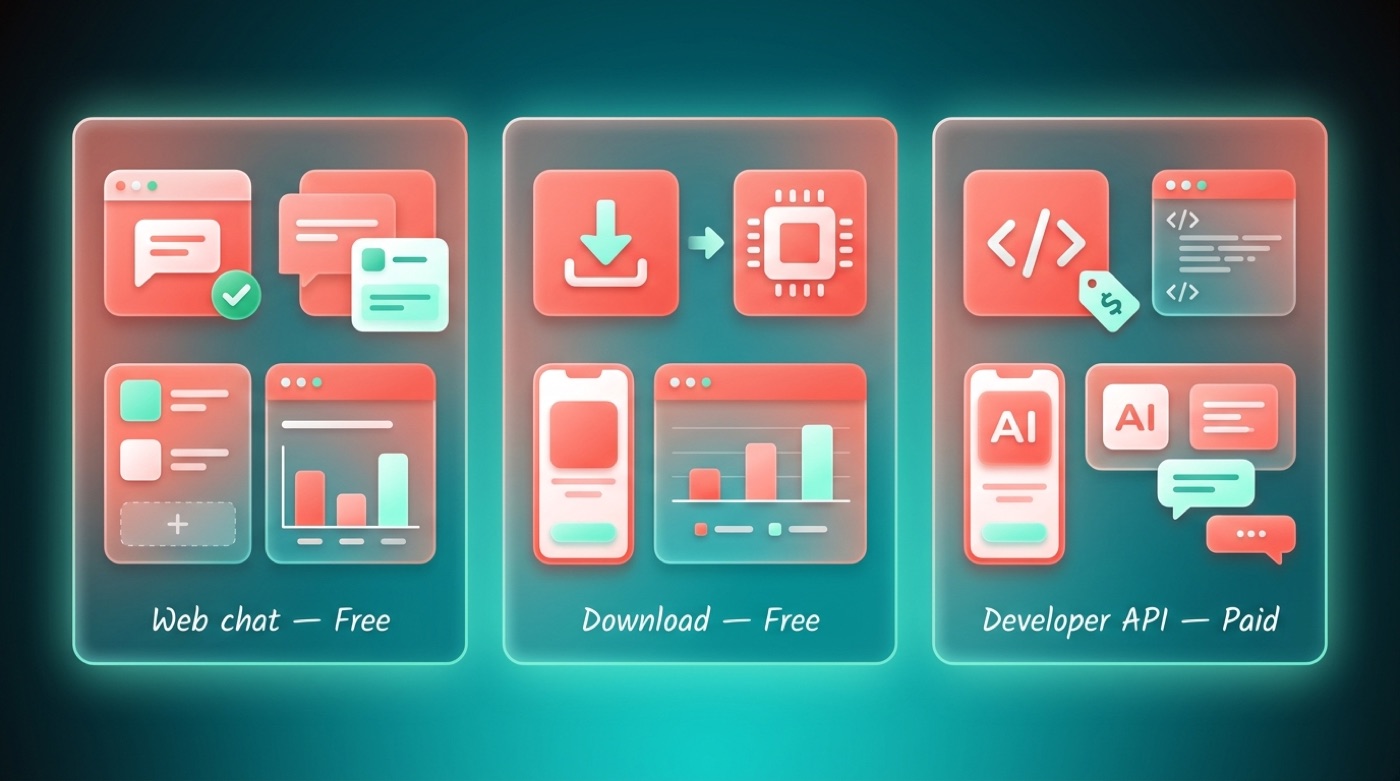
The only part of Qwen that usually costs money is the developer API through Alibaba Cloud, which is a separate, usage-based service that most everyday users never touch. If you just want to chat or experiment, the free routes cover almost everything.
The Short Answer: Yes, Qwen Is Free
Qwen — also known by its Chinese name Tongyi Qianwen — is Alibaba Cloud’s family of large language models, first released in 2023 as Alibaba’s answer to ChatGPT. For a broader rundown of what is Qwen and how it fits into Alibaba’s wider AI lineup, the model comes in three practical flavors depending on how you want to use it, and two of them cost nothing at all.
The free web chat is the fastest on-ramp: no downloads, no setup, just a browser. The open-weight downloads are the option for people who want to run Qwen chatbot models locally or on their own servers, for free. Only the developer-facing API, aimed at businesses building products, carries a usage-based bill.
Three free-or-paid ways to use it
| Way | Cost | Who it’s for | Where |
|---|---|---|---|
| Web chat | Free | Anyone who wants to chat | chat.qwen.ai |
| Open-weight download | Free | Developers, tinkerers, self-hosters | Hugging Face, ModelScope |
| Developer API | Paid, usage-based | Businesses building apps | Alibaba Cloud (Model Studio / DashScope) |
What “Qwen” actually is
Qwen (Tongyi Qianwen) is Alibaba Cloud’s family of large language models, first released in 2023. Since then, Alibaba Cloud has continued to release new generations — including Qwen1.5, Qwen2, Qwen2.5, and Qwen3 — alongside specialized lines for coding, vision, and other tasks. It’s Alibaba’s closest answer to ChatGPT, and the company has positioned it as both a consumer chatbot and a foundation for developers.
Free Way #1: Qwen Chat (the web app)
The simplest free option is Qwen Chat — Alibaba’s own consumer chat app, similar in feel to ChatGPT — available at chat.qwen.ai. It’s free to use, and you may need to sign in with a free account before you can start chatting, though exact requirements can vary over time.
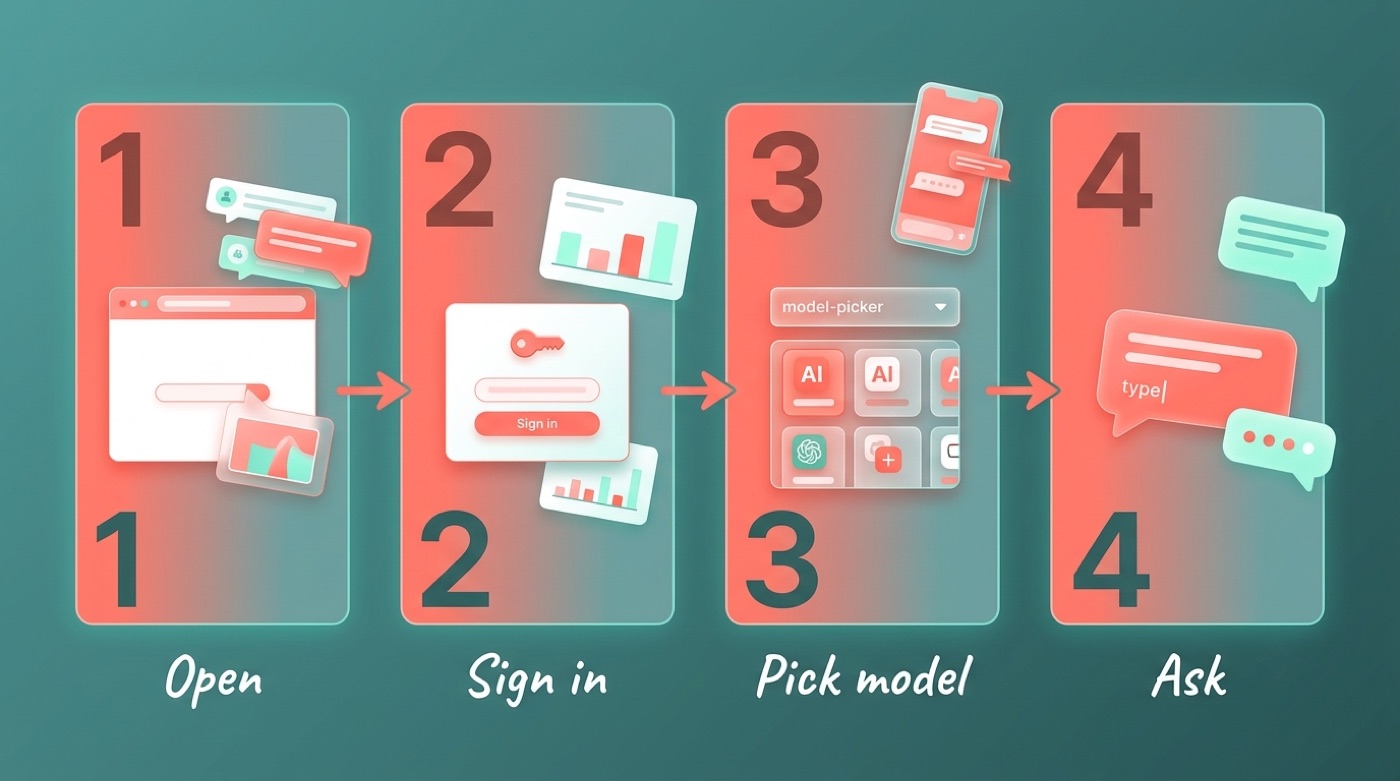
Qwen Chat lets you pick between different Qwen models depending on the task, ask questions in natural language, and, depending on the model, attach files or images. It’s the fastest way to try Alibaba Cloud’s Qwen without installing anything.
How to use Qwen Chat free (steps)
- Open chat.qwen.ai in your browser.
- Sign in with a free account if you’re prompted to.
- Pick a model from the model switcher, if one is offered.
- Type your question or prompt into the chat box.
- Optionally attach an image or file if the selected model supports it.
- Review the response and continue the conversation as needed.
Free Way #2: Download and Run Qwen Yourself (open weights)
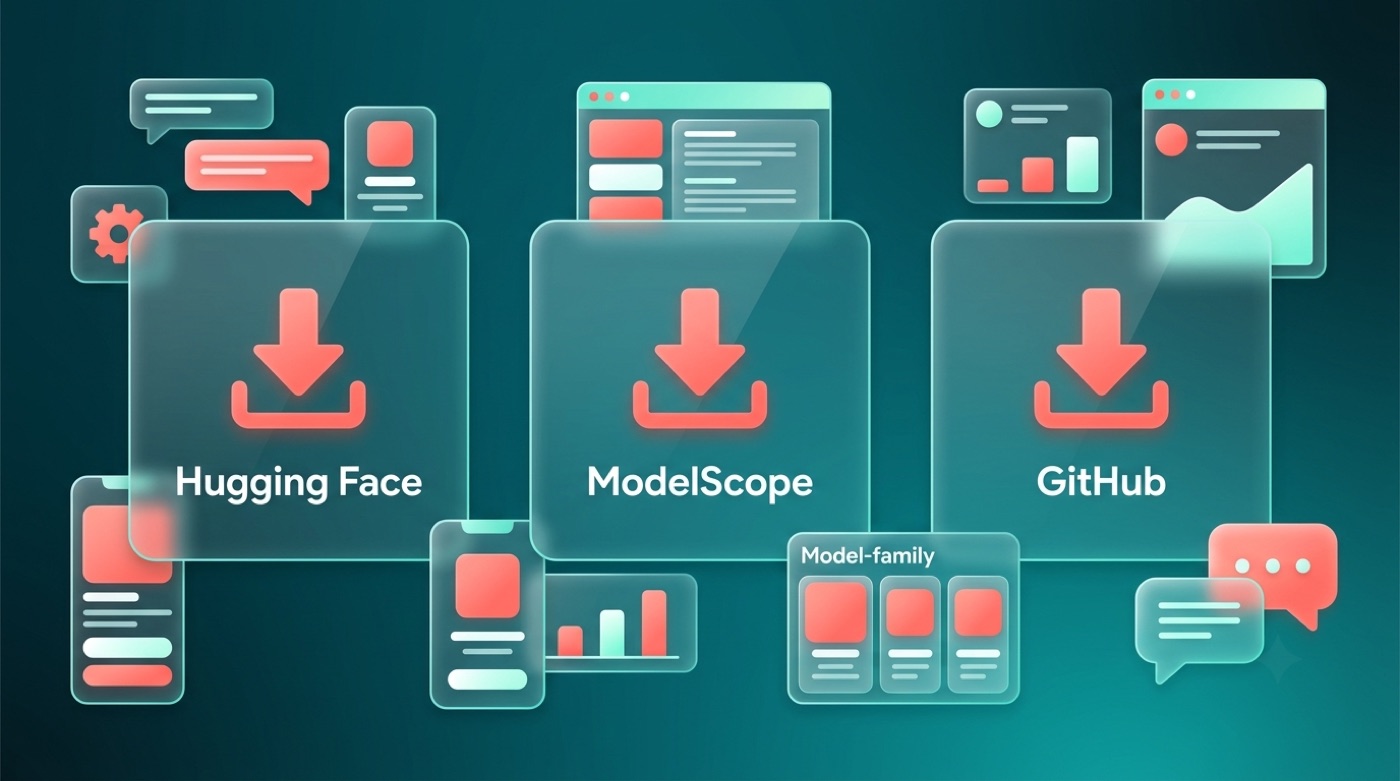
The Qwen team maintains its models, code, and release notes in the open, publishing them for the community to inspect, download, and build on.QwenLM, GitHub
Beyond the web chat, Alibaba has released many Qwen models as open weights, which means the underlying model files are published for anyone to download and run — not just accessed through a hosted app.
What “open weights” means
Many Qwen models are released as open weights under the Apache 2.0 license, which generally lets you download the model files and run them on your own computer or server without a per-use charge. That said, not every Qwen release uses the same terms — some earlier or larger models carry a Qwen-specific license rather than Apache 2.0, so it’s worth checking the license attached to the specific model you want before assuming how you can use it.
Where to download Qwen free
| Source | What you get | Link |
|---|---|---|
| Hugging Face | Model weights, ready-to-use checkpoints | huggingface.co/Qwen |
| ModelScope | Model weights, Alibaba’s own hosting platform | modelscope.cn |
| GitHub (QwenLM) | Source code, docs, release notes | github.com/QwenLM |
Alibaba also publishes release announcements and technical notes on the Qwen blog, which is a useful place to track new generations as they ship.
Model lines you’ll see
- Qwen — the base chat and general-purpose language models.
- Qwen-Coder — tuned for programming and code generation tasks.
- Qwen-VL — vision-language models that can interpret images alongside text.
- Qwen-Audio — models built to work with audio input.
- Qwen-Math — models specialized for mathematical reasoning.
- QwQ — a reasoning-focused line from the Qwen team.
Alibaba Cloud has released these across several generations — Qwen, Qwen1.5, Qwen2, Qwen2.5, and Qwen3 — with model sizes ranging from small enough to run on modest hardware up to much larger versions meant for servers.
The Paid Part: Qwen’s Developer API
If you’re a developer building an app or product, you can call Qwen through Alibaba Cloud’s API, offered under Model Studio and DashScope. This is a paid, usage-based service — separate from the free web chat and the free open-weight downloads described above.
Pricing for the developer API varies by model and changes over time, so it’s worth checking Alibaba Cloud’s official pricing page directly rather than relying on a fixed number. The key point is structural: the API is billed, while the chat app and the downloadable weights are not.
Which path is right for you
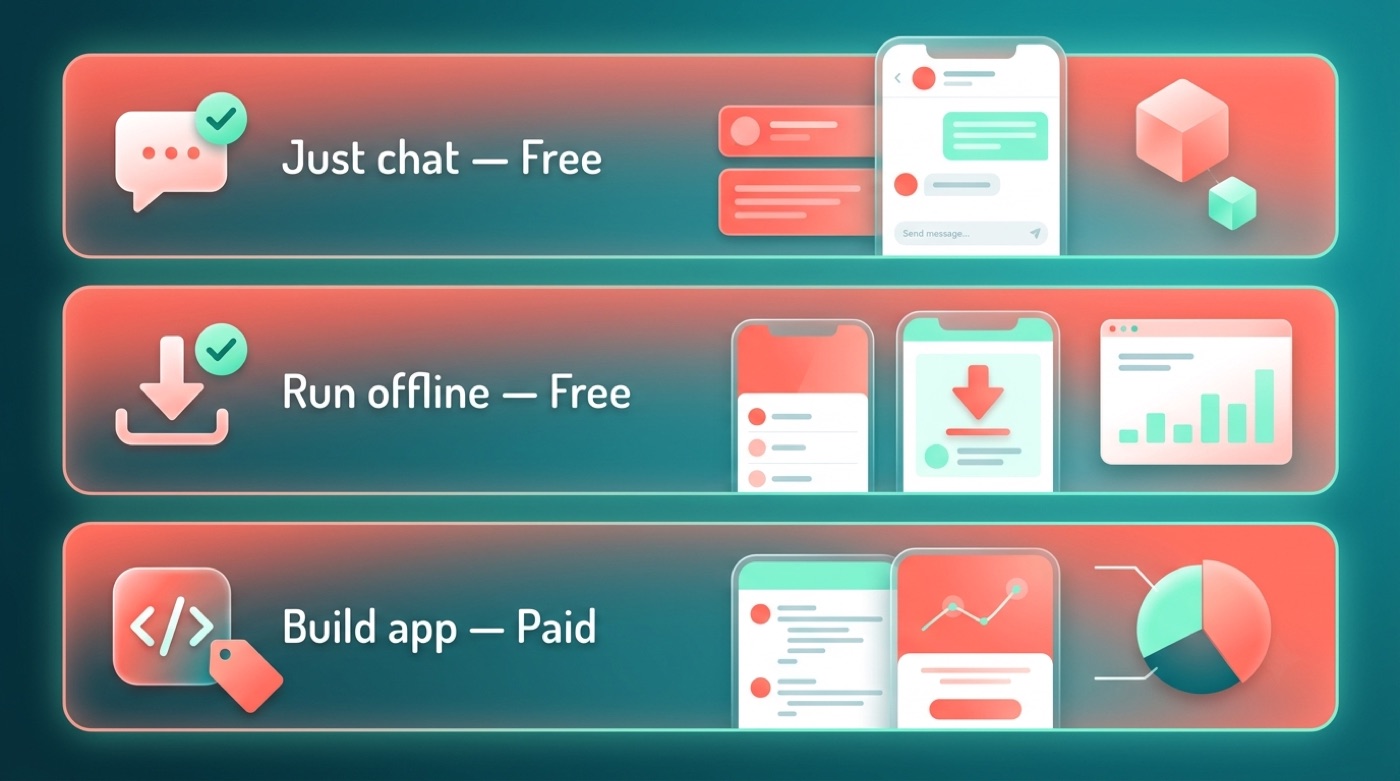
- Just want to chat? Use Qwen Chat at chat.qwen.ai — it’s free.
- Want to run Qwen offline or privately? Download the open weights from Hugging Face or ModelScope — also free.
- Building a product at scale? Use Alibaba Cloud’s developer API (Model Studio / DashScope) — paid, usage-based.
- Want to inspect the code or track releases? Follow github.com/QwenLM and the Qwen blog.
Free vs Open-Source vs Commercial Use (the confusing part)
“Free,” “open-source,” and “free for commercial use” get used loosely, but they aren’t the same thing. Free to use means there’s no charge to access it — that’s Qwen Chat. Open weights means the model files themselves are published so you can download and run them, which most Qwen models are.
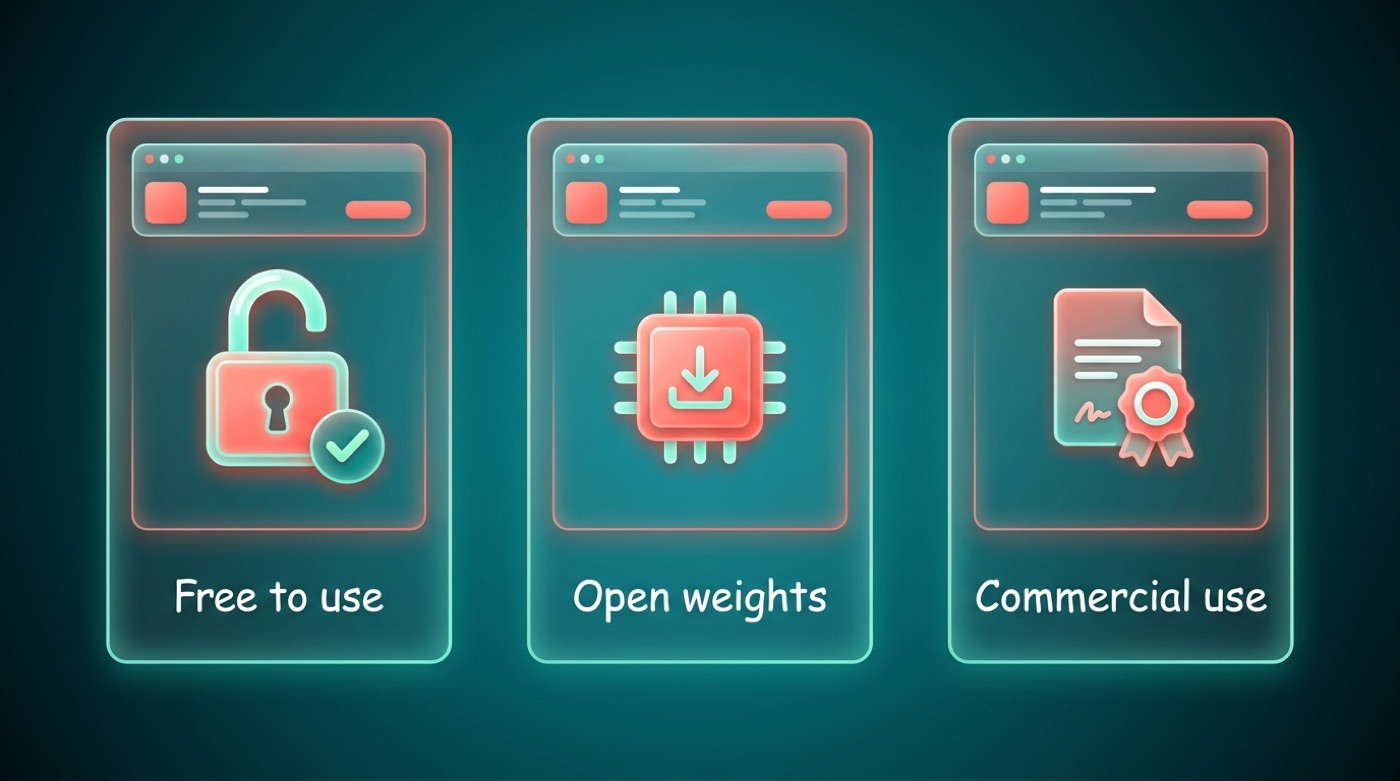
The Apache 2.0 license that covers many Qwen releases generally permits commercial use, but licensing depends on the specific model — some carry a different, Qwen-specific license instead. Always check the license listed on the model’s card on Hugging Face or ModelScope before building a product around it. This isn’t legal advice; when it matters for your business, read the actual license text or consult a lawyer.
Quick glossary
- Free to use — no charge to access the tool (e.g., Qwen Chat).
- Open weights — the model files are published and downloadable, so you can run them yourself.
- Open-source license — the terms (like Apache 2.0) that govern how you can use, modify, and redistribute a model.
- Commercial use — using the model as part of a paid product or service, which depends entirely on the license attached to that specific model.
Qwen vs ChatGPT: Is Qwen the Cheaper Option?
For everyday chatting, both Qwen Chat and ChatGPT offer free tiers, so neither is strictly “cheaper” at the casual level. Where Qwen chatbot stands out for developers and tinkerers is the open weights: you can download many Qwen models and run them on your own infrastructure, something ChatGPT’s closed models don’t offer.
That tradeoff matters most if you want control over where your data goes or want to self-host. For pure convenience, both platforms work similarly out of the box. For a deeper look at how the two compare feature by feature, see Alibaba AI explained.
FAQ
Unofficial — not affiliated with, endorsed by, or sponsored by Alibaba or the Qwen team.