
How to Use Qwen: 3 Simple Ways to Try Alibaba’s AI
Qwen (通义千问, Tongyi Qianwen) is a family of AI models from Alibaba Cloud, first released publicly in 2023. As Wikipedia’s overview of Qwen notes, it has since grown into Alibaba’s flagship AI effort. There are exactly three ways to actually use it: open the free Qwen Chat web app in your browser, download an open-weight model and run it on your own machine, or call it through the Alibaba Cloud developer API.
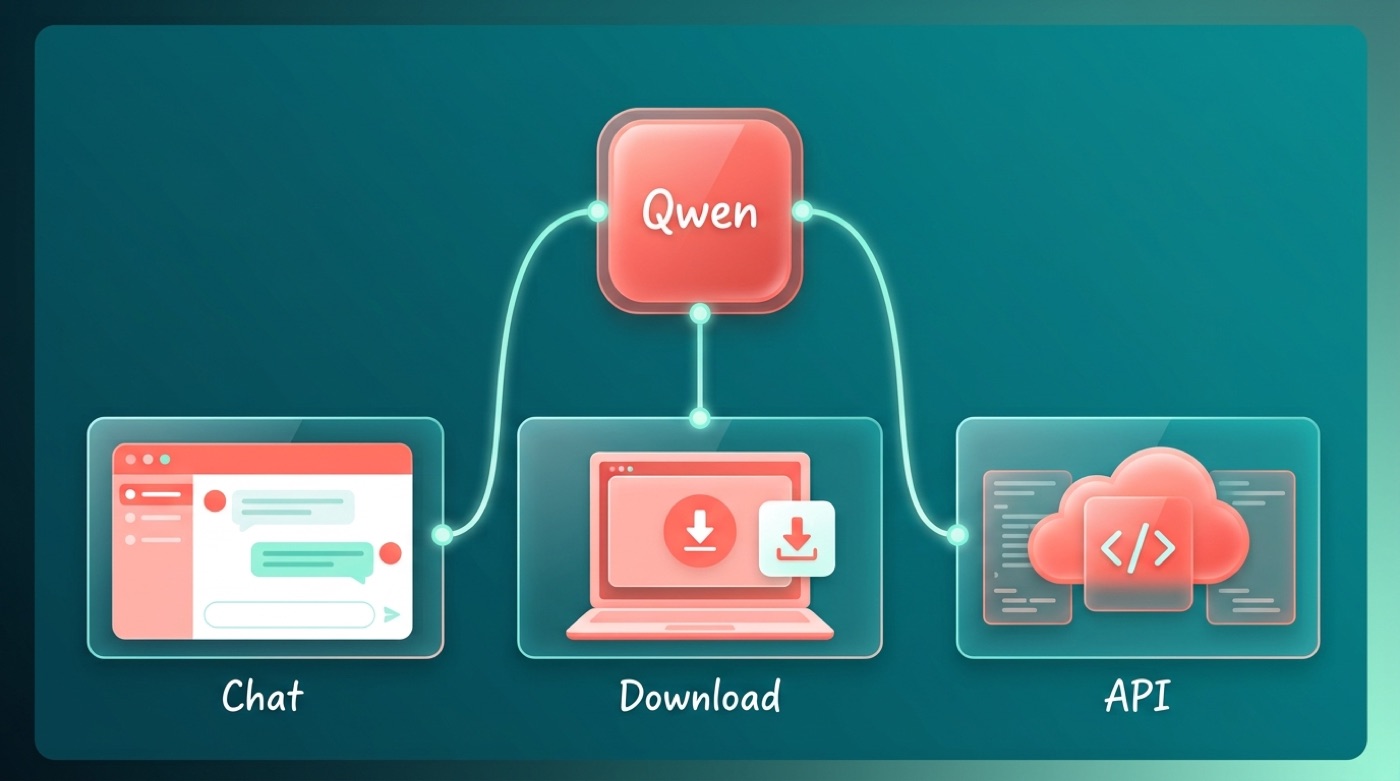
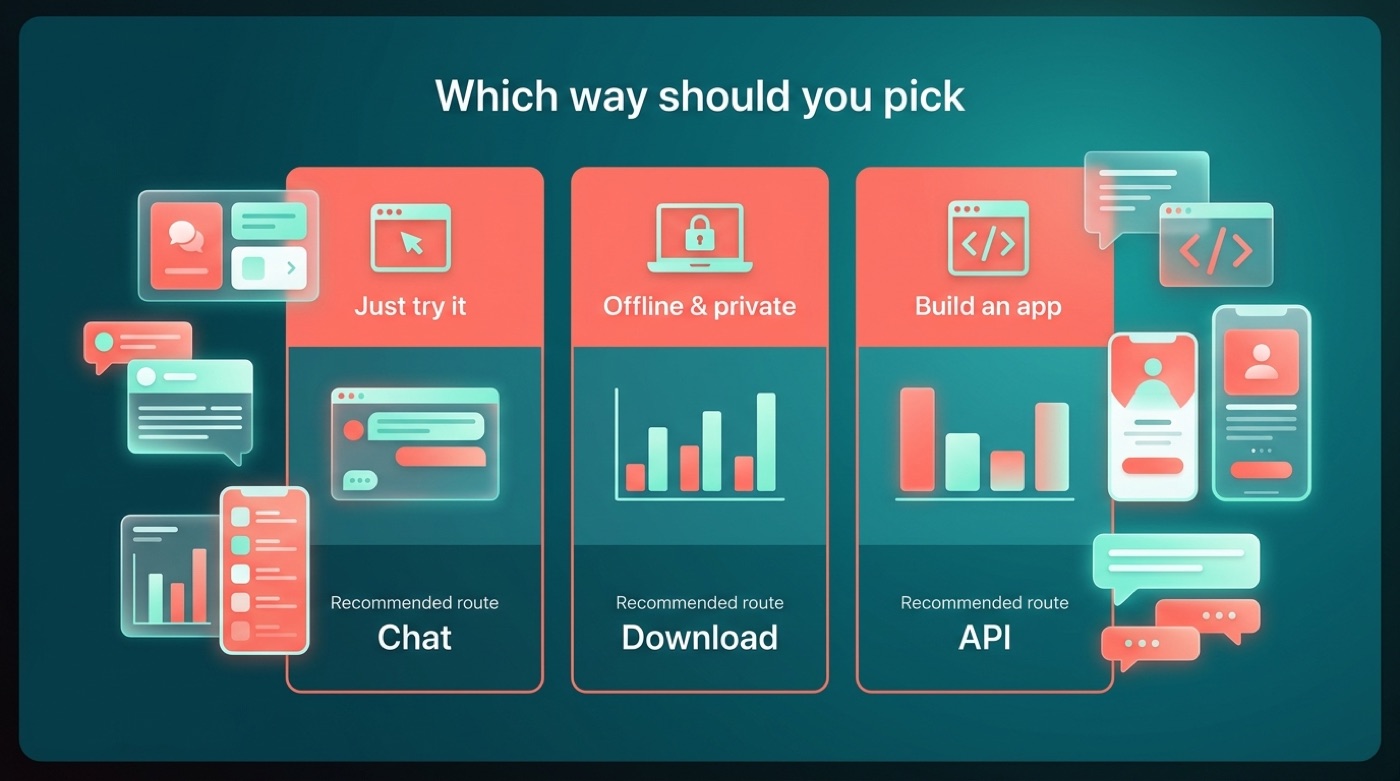
If you just want to try Qwen out, the web chat is all you need. Downloading a model makes sense if you have a capable computer and want offline or private access. The API route is for developers who want to build Qwen into their own apps. Below, each way is broken down step by step.
What Is Qwen, in One Minute
Qwen is a family of large language models built by Alibaba Cloud, publicly available since 2023. It’s Alibaba’s flagship AI effort and its closest counterpart to ChatGPT. The Chinese name for the family is Tongyi Qianwen (通义千问).
The short version
The generations that have actually shipped are Qwen (1.0), Qwen1.5, Qwen2, Qwen2.5, and Qwen3, alongside specialized lines built for specific tasks: Qwen-Coder for programming, Qwen-VL for image understanding, Qwen-Audio, Qwen-Math, and QwQ for reasoning-heavy work. Alibaba states that newer versions support over 100 languages. Development updates and announcements are posted on the official Qwen blog and the QwenLM GitHub organization.
Three ways to use it (overview table)
| Way | Best for | Install needed? | Where |
|---|---|---|---|
| Qwen Chat (web) | everyday users | No | chat.qwen.ai |
| Download a model | enthusiasts with a capable PC/GPU | Yes | Hugging Face / ModelScope |
| API | developers | No install, but an API key is required | Alibaba Cloud (DashScope / Model Studio) |
Way 1 — Qwen Chat: Use Qwen Free in Your Browser
Qwen Chat is Alibaba’s official free consumer chat interface for the Qwen model family, hosted at chat.qwen.ai. In China, the same underlying Qwen models also power the separate Tongyi consumer app, but chat.qwen.ai is the route international users land on.
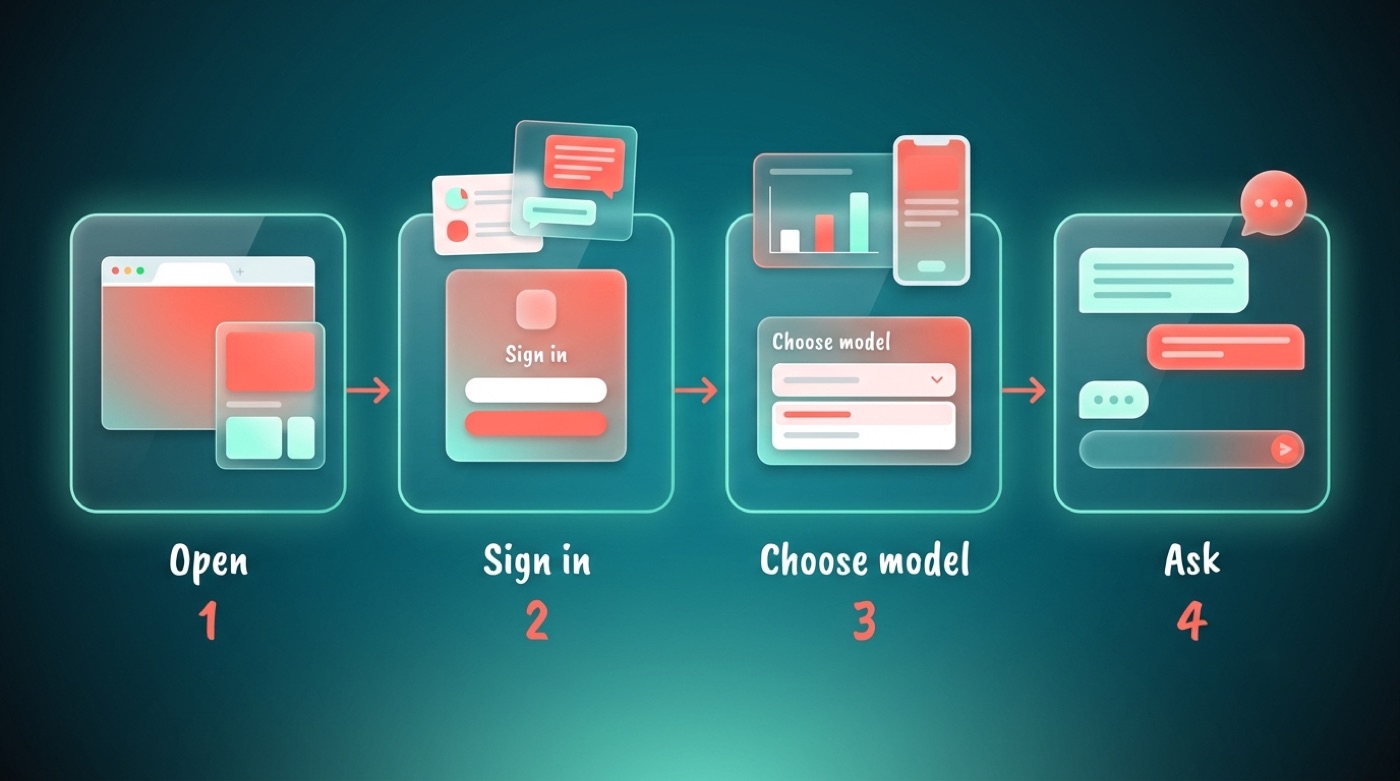
Step-by-step
- Open chat.qwen.ai in any web browser, on your phone or your computer.
- Sign in — options typically include a Google account, an email account, or continuing as a guest; exact buttons can change, so just follow what’s on screen.
- Pick a model if the interface offers a choice between different Qwen versions.
- Type your question or task into the message box and send it.
- Keep the conversation going — ask follow-ups the same way you would with any chat assistant.
No installation, no downloads, and no special hardware are required — it works the same whether you’re on a laptop or a phone.
What you can do here
- Have an ordinary text conversation and ask general-knowledge questions
- Get help drafting, summarizing, or editing text
- Ask for help with code snippets and debugging
- Explore whatever specialized modes the interface currently exposes
Access itself is free, though daily usage limits may apply depending on how Alibaba configures the service at any given time — check the official site for current details rather than relying on numbers that go stale.
Qwen Chat is the official web application for interacting with Qwen models directly in the browser, with no installation required.
Qwen Chat
Way 2 — Download Qwen and Run It on Your Own Computer
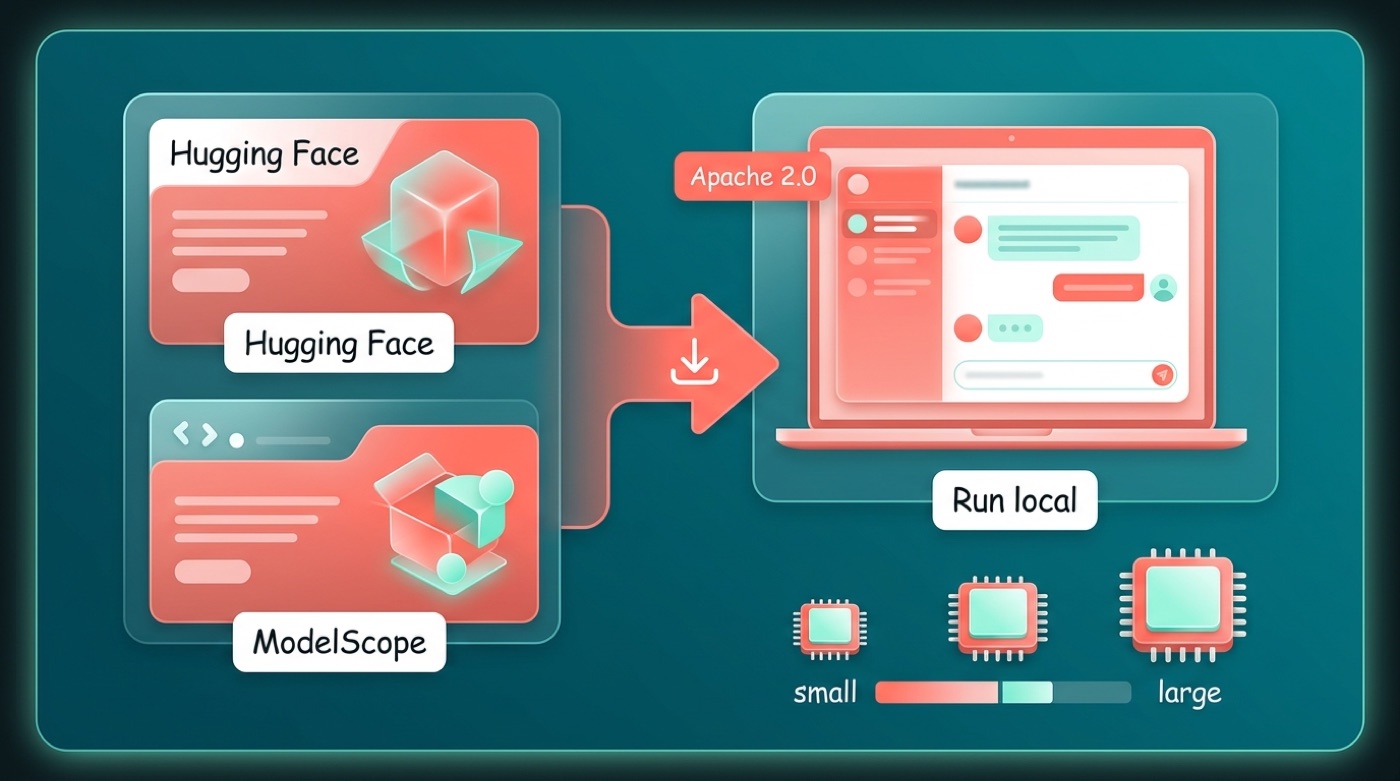
For anyone who wants offline access, more control, or the ability to fine-tune, Qwen’s open-weight models can be downloaded and run locally instead of going through the hosted chat.
Where the models live
Open-weight Qwen models are published on Hugging Face under the Qwen organization page, and mirrored on Alibaba’s own ModelScope platform. Source code and release notes are tracked on GitHub under QwenLM. Many Qwen models are released under the Apache 2.0 license, which means they can be downloaded and run for free, including for commercial use; some other models are released under a separate Qwen license instead, so it’s worth checking the terms listed on each specific model’s page before you rely on it.
Pick a size that fits your machine
Qwen models are released in a range of sizes, from small dense models to much larger ones. As a rule of thumb, smaller models can run on an ordinary laptop, while the larger models need a machine with a serious GPU and plenty of video memory — the bigger the model, the more video memory it demands. Alibaba doesn’t publish one universal hardware requirement, so match the model size to what your own hardware can realistically handle.
Easiest local route
- Ollama and similar local runners let you pull a Qwen model and chat with it through a simple command-line or app interface
- OpenAI-compatible local servers can expose a downloaded Qwen model through a familiar API format for your own scripts
- Community tools built around Hugging Face’s ecosystem can also load Qwen checkpoints directly
This path is aimed at enthusiasts comfortable with some setup — for casual use, Way 1 above is simpler.
Way 3 — Use Qwen via the Alibaba Cloud API (for Developers)
Developers who want to embed Qwen into an app, script, or product typically don’t download the model at all. Instead, they call it through Alibaba Cloud’s hosted platforms, DashScope and Model Studio.
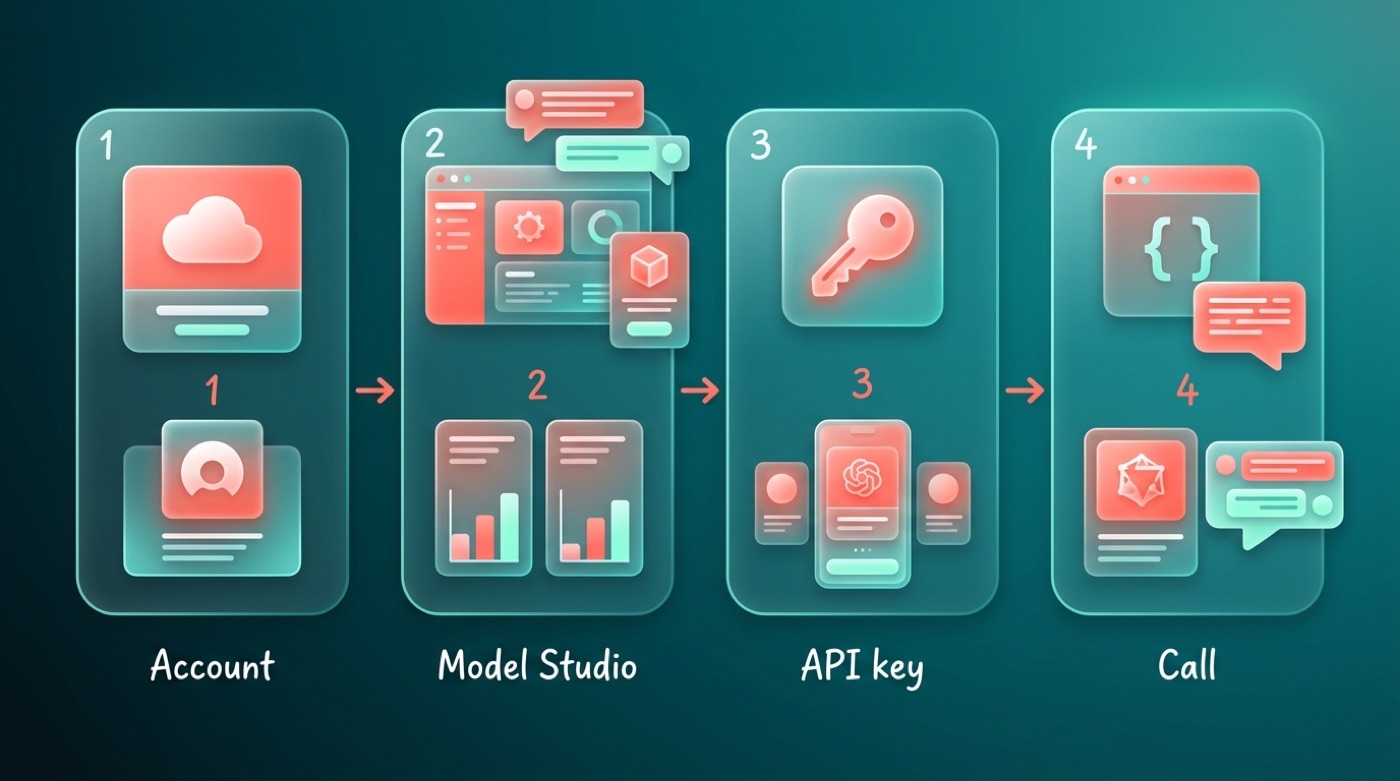
How the API route works
- Create an Alibaba Cloud account.
- Open Model Studio (also referred to as DashScope) inside the Alibaba Cloud console.
- Generate an API key for your project.
- Call the Qwen model from your own code using that key, following the official documentation for request formatting.
Exact pricing, rate limits, and endpoint details change over time, so treat Alibaba Cloud’s own documentation as the source of truth rather than any third-party summary.
When to choose the API
Embedding Qwen inside an existing application or product. If you’re building a feature that needs an AI model behind the scenes, the API lets you call Qwen directly from your own code without exposing users to a separate chat interface.
Sending a high volume of requests. The API route scales to production traffic in a way that manually using a web chat never could, since it’s built to be called programmatically.
Not wanting to host or maintain a model server yourself. Running open-weight models locally means managing hardware and uptime; the API route hands that responsibility to Alibaba Cloud, at the cost of a usage-based bill.
The API is generally billed based on usage rather than being free like Qwen Chat, so check current rates on Alibaba Cloud before committing to it for a production workload.
Which Way Should You Pick?
| If you want to… | Use this |
|---|---|
| Just try Qwen out, no setup | Qwen Chat (chat.qwen.ai) |
| Privacy, offline use, or experimentation | Download open-weight models from Hugging Face / ModelScope |
| Build Qwen into your own product | Alibaba Cloud API (DashScope / Model Studio) |
For most readers, Qwen Chat alone is enough to get a real feel for what Qwen can do — the other two routes only matter once you have a specific reason to run the model yourself or wire it into code.
FAQ
Unofficial. This site is not affiliated with, endorsed by, or sponsored by Alibaba or the Qwen team.