
Does Alibaba Have Its Own ChatGPT? Meet Qwen, Alibaba’s AI
Yes. Alibaba has its own ChatGPT-style assistant called Qwen (also written Tongyi Qianwen), built by Alibaba Cloud. You can chat with it free in your browser.
If you already like ChatGPT, Qwen will feel familiar — you type a question, it answers in plain language, and it can help with writing, coding, and everyday tasks. Below: what it is, how it’s similar, how it differs, and how to try it for free.
Yes — Alibaba’s ChatGPT Is Called Qwen
The short answer
Yes. Alibaba’s ChatGPT-style assistant is Qwen, also known by its Chinese name Tongyi Qianwen (通义千问). It is a family of large language models made by Alibaba Cloud, the cloud-computing arm of the Alibaba Group. The first Qwen models were released in 2023, and Alibaba has kept building on the family ever since. For newcomers, the simplest way to think about it: Qwen is Alibaba’s answer to ChatGPT.
Why “ChatGPT” is the word people use
Newcomers often search “alibaba chatgpt” because ChatGPT is the assistant most people already know. “Alibaba’s ChatGPT” is really just shorthand — nearly every large tech company now has its own chat assistant, and Qwen is Alibaba’s version. You’ll see it referred to by several names, all pointing to the same thing:
- Qwen
- Tongyi Qianwen (通义千问)
- “Alibaba AI”
- “Alibaba’s chatbot”
- Alibaba Cloud’s AI assistant
How Qwen Is Like ChatGPT
Same idea, same everyday uses
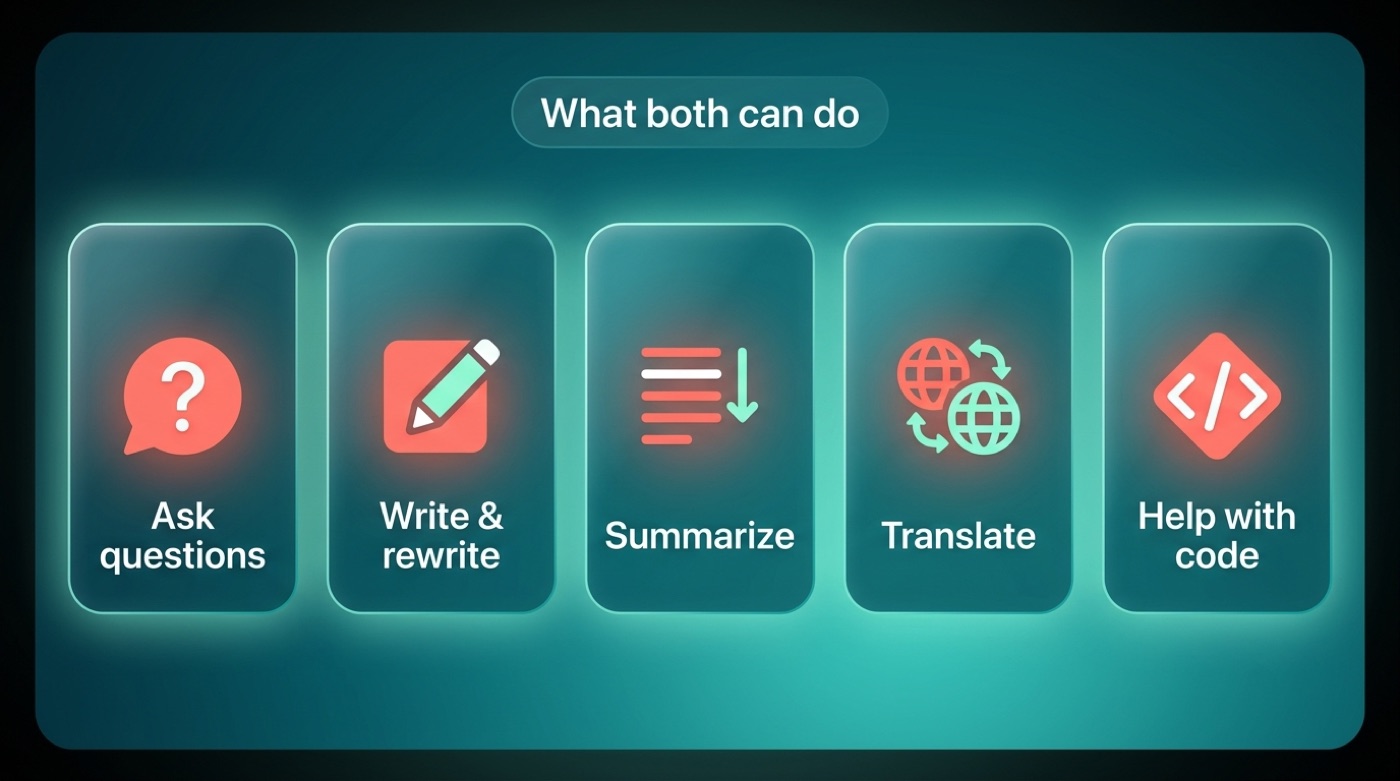
Both Qwen and ChatGPT are chat assistants built on large language models, and using either one feels much the same: you type a message, and you get a written answer back. Here’s what people typically do with either assistant:
- Ask everyday questions and get plain-language answers
- Draft and rewrite emails, posts, or documents
- Summarize long articles or documents
- Brainstorm ideas for a project or a name
- Translate text between languages
- Get help writing or debugging code
If you’ve used ChatGPT before, Qwen’s chat window will feel like familiar territory — the learning curve is close to zero.
ChatGPT in one line
For anyone who needs the reminder: ChatGPT is the chat assistant built by OpenAI. That’s the baseline most newcomers already compare everything else against.
| Task | ChatGPT | Qwen |
|---|---|---|
| Answer everyday questions | ✔ | ✔ |
| Draft and rewrite text | ✔ | ✔ |
| Summarize documents | ✔ | ✔ |
| Help with coding | ✔ | ✔ |
| Translate languages | ✔ | ✔ |
| Free to try in browser | ✔ | ✔ |
How Qwen Is Different From ChatGPT
Open-weight: you can actually download it
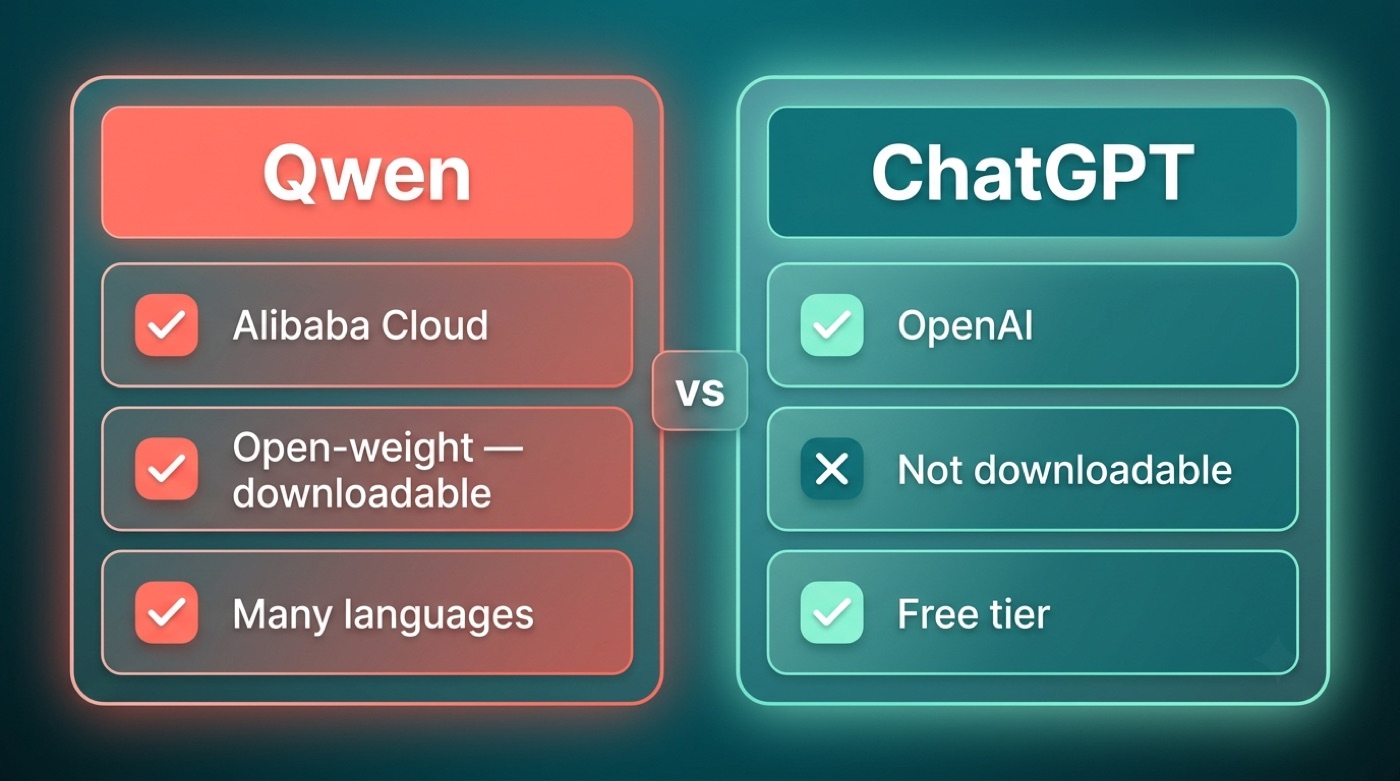
The biggest difference for tech-curious readers is that many Qwen models are open-weight — Alibaba publishes the actual model files so anyone can download and run them, and many of these releases use the permissive Apache 2.0 license. Some earlier or larger Qwen models are released under a separate Qwen-specific license instead, so terms can vary by model. ChatGPT’s underlying models are not available for download in this way; you can only use them through OpenAI’s own apps and API. If you want to poke around under the hood, Qwen’s open weights are published on Hugging Face, and the project’s code and release notes live on GitHub.
Multilingual and made by Alibaba
Qwen is built to handle many languages — Alibaba says its recent versions support 100+ languages, though that figure is Alibaba’s own claim rather than an independently verified count. The other core difference is simply who builds it: Qwen comes from Alibaba Cloud, based in China, while ChatGPT comes from OpenAI, based in the US. Neither difference changes what the assistant feels like to chat with day to day — it mostly matters if you care about where your data goes or whether you want to run the model yourself.
| Alibaba’s Qwen | OpenAI’s ChatGPT | |
|---|---|---|
| Maker | Alibaba Cloud | OpenAI |
| Download the model? | Yes, many models are open-weight | No |
| Chat for free in browser? | Yes | Yes, free tier |
| Languages | Many (100+ claimed by Alibaba) | Many |
The Qwen Family: More Than One Model
Generations (confirmed only)
Qwen isn’t a single model — it’s a family that has grown through several confirmed generations:
- Qwen (the original, 1.0)
- Qwen1.5
- Qwen2
- Qwen2.5
- Qwen3
These models also come in a range of sizes, from versions small enough to run on a laptop to much larger ones meant for serious cloud hardware.
Specialist versions
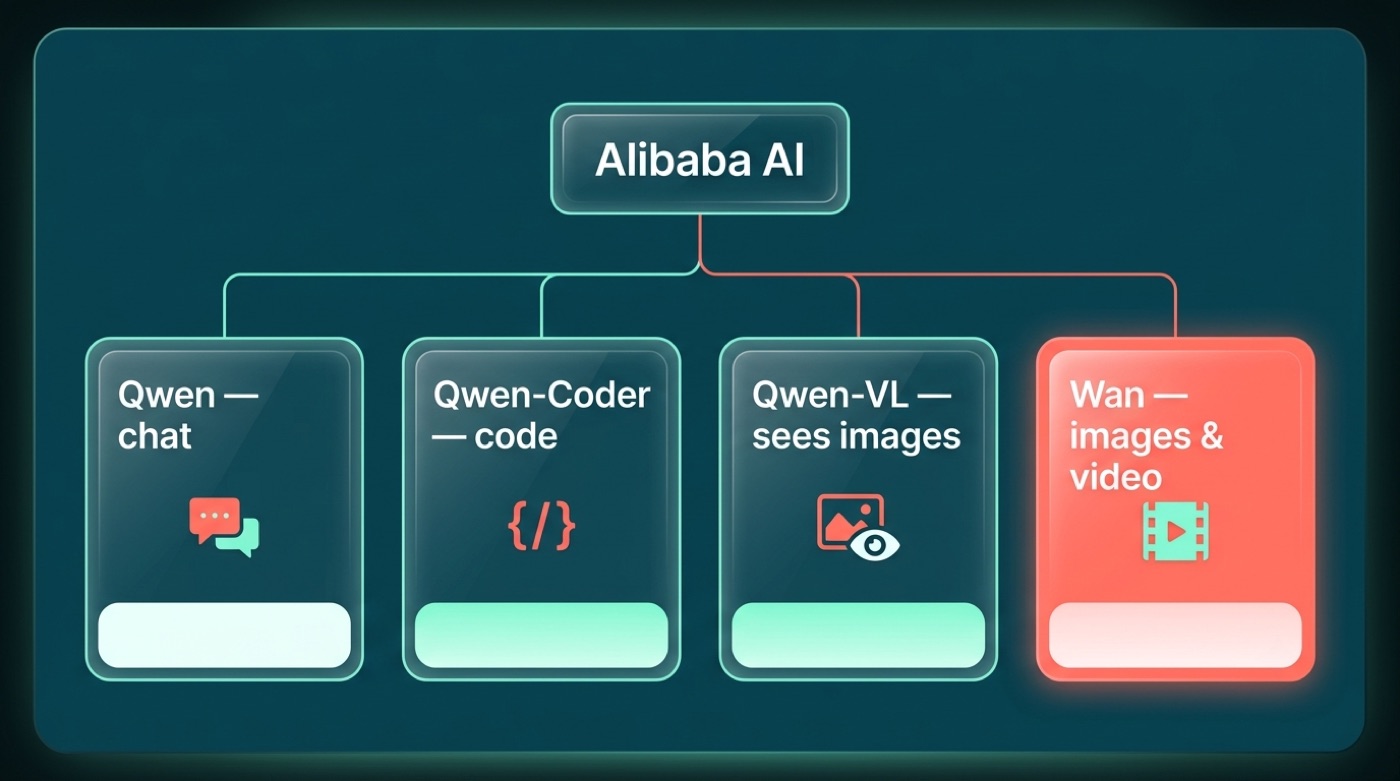
Beyond the general-purpose chat models, Alibaba has released several specialist versions built for specific jobs:
- Qwen-Coder — tuned for writing and understanding code
- Qwen-VL — can “see” and describe images, not just read text
- Qwen-Audio — built to work with audio input
- Qwen-Math — focused on solving math problems
- QwQ — geared toward step-by-step reasoning tasks
The Wider Alibaba AI Family: Meet Wan
Qwen writes, Wan draws
Alibaba’s AI work isn’t limited to Qwen. Wan (Tongyi Wanxiang, 通义万相) is Alibaba’s image-and-video generation model line — think of Qwen as the assistant you chat with, and Wan as the one that turns a text description into pictures or short video clips. Alibaba has released open versions of Wan on GitHub, ModelScope, and Hugging Face, though exact version numbers and release dates change often enough that it’s worth checking Alibaba’s own channels for the latest.
How to Use Qwen Free
Trying Qwen doesn’t require any technical setup — the fastest path is the free web app.
Qwen is Alibaba’s family of large language models, released as open-weight models for the community to build on.
Qwen Team, official blog
Try it in your browser (the easy way)
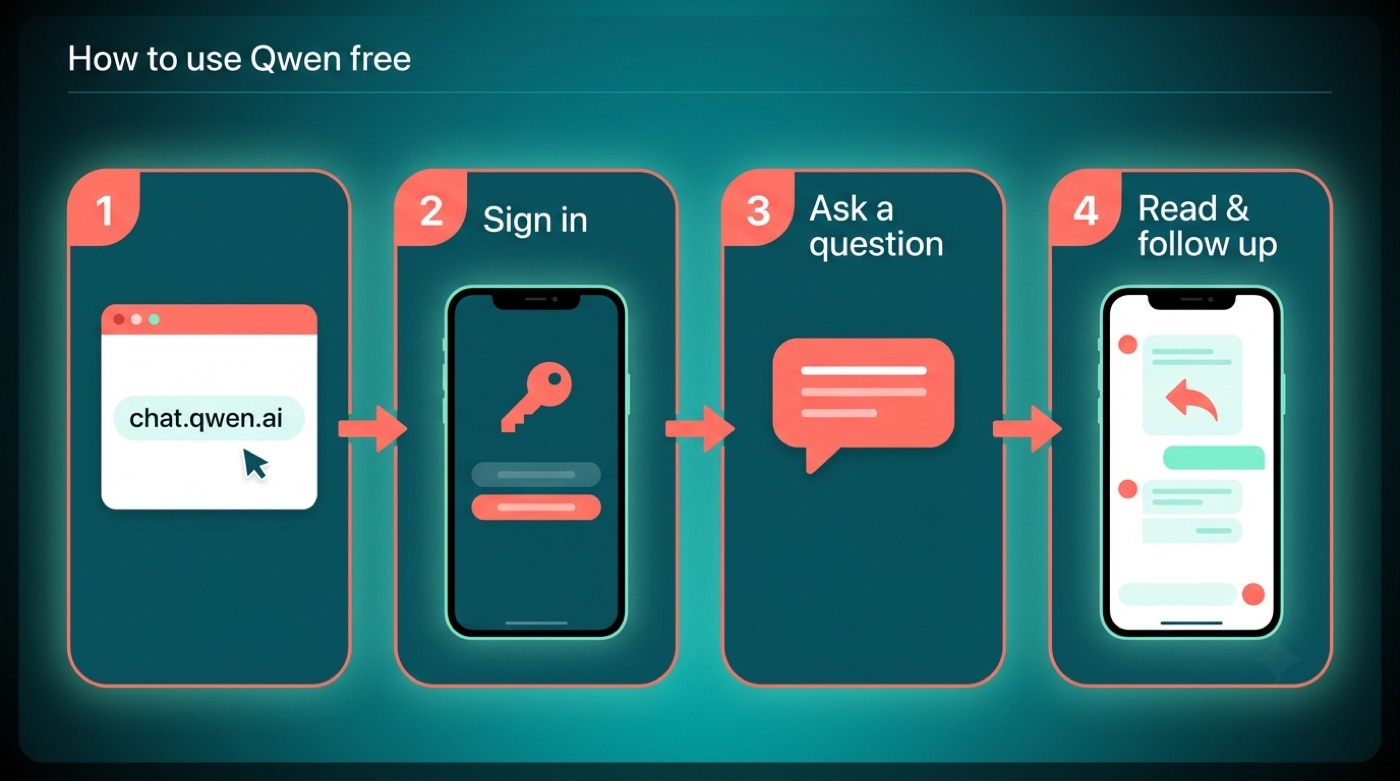
- Go to chat.qwen.ai
- Sign in (a free account is enough to get started)
- Type your question into the chat box
- Read the answer, then ask follow-up questions just like a conversation
It’s free to try directly in the browser — no download or installation needed.
For developers
Developers who want to build Qwen into their own apps can also call it through Alibaba Cloud’s Model Studio (DashScope) service, rather than using the consumer chat app.
FAQ
Unofficial — not affiliated with, endorsed by, or sponsored by Alibaba or the Qwen team.