
Alibaba’s AI Image Generator: A Plain-English Guide to Wan (Tongyi Wanxiang)
Yes, Alibaba has an AI image generator. Its image-and-video generation line is called Wan, also written in Chinese as Tongyi Wanxiang (通义万相), and it comes from the same company behind the Wan model line and the Qwen AI models.
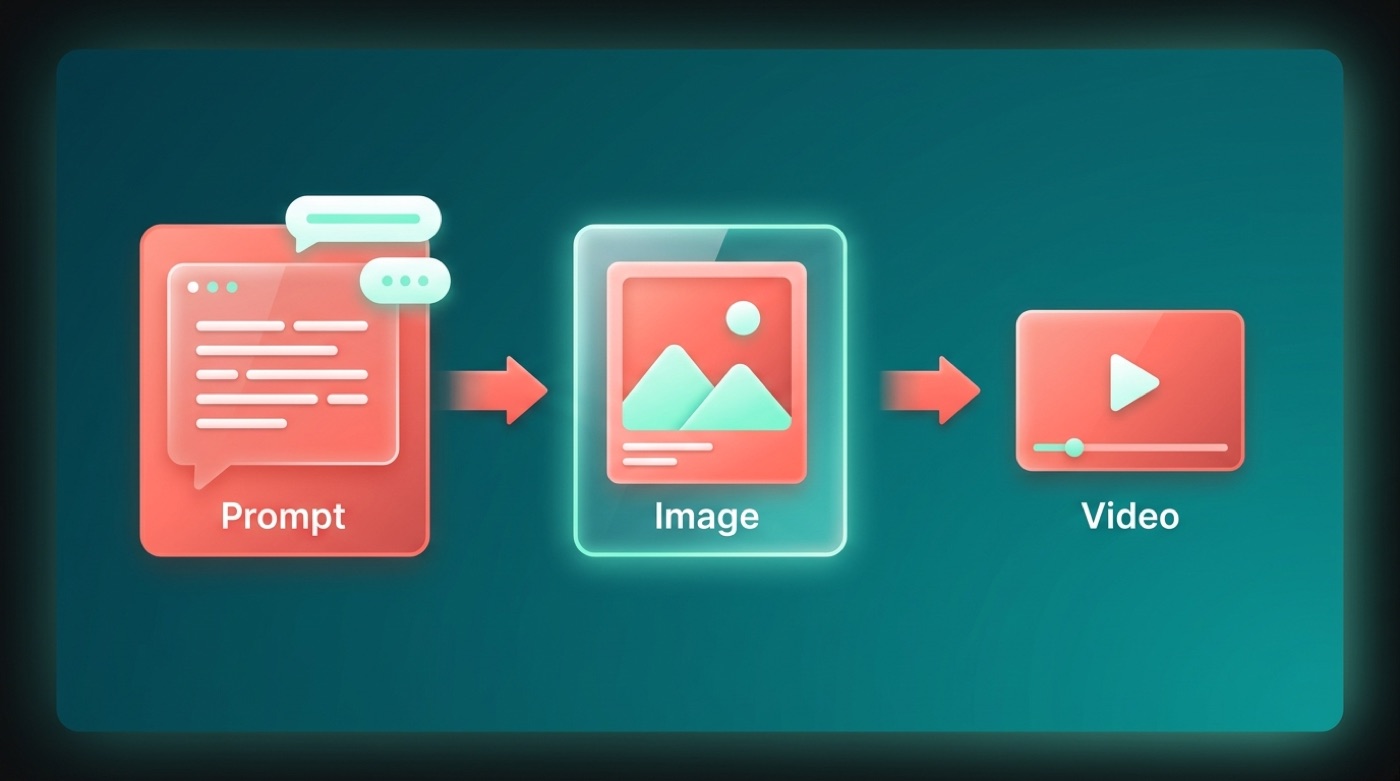
In plain terms, Wan turns a text prompt into a picture — text-to-image — and, notably, into a short video too. The open versions, Wan2.1 and Wan2.2, are published as free, downloadable models rather than locked behind a single paid app.
What is Alibaba’s AI image generator?
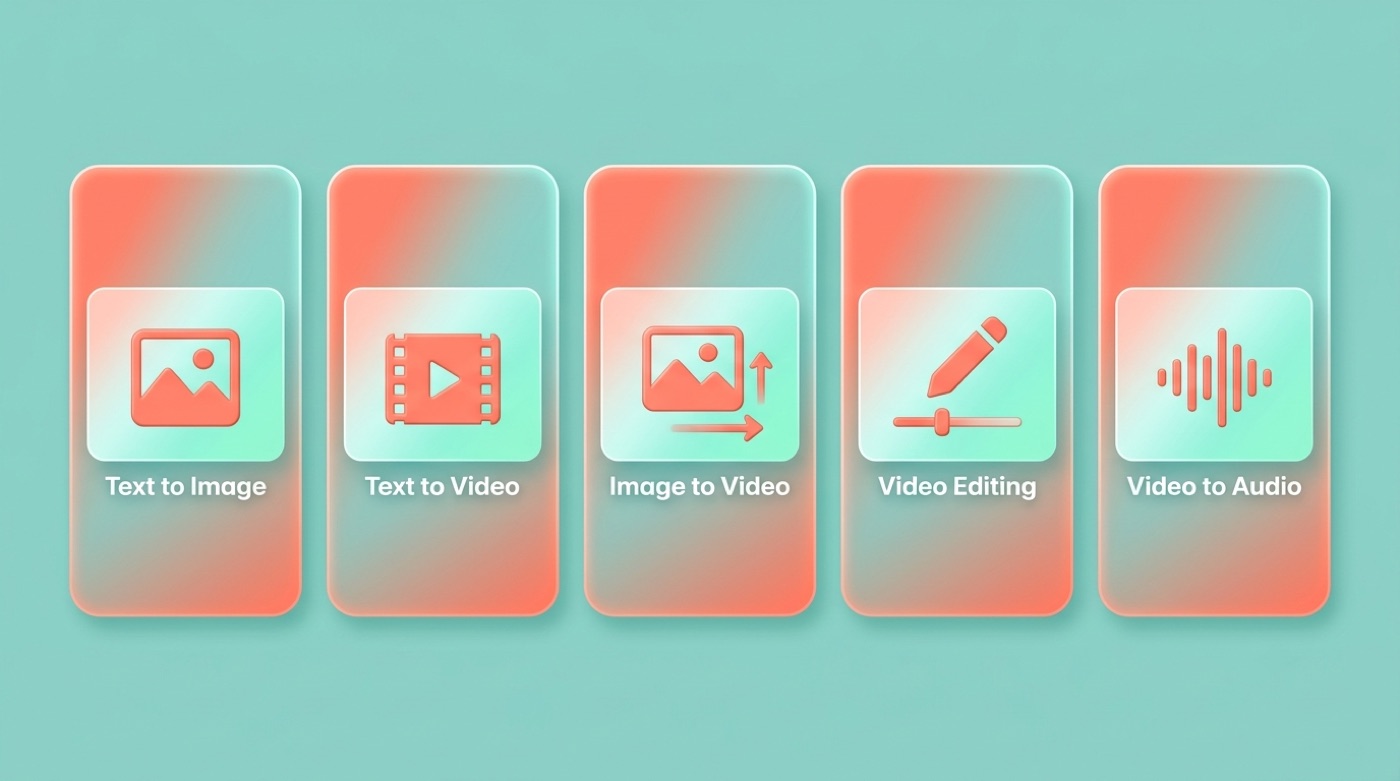
Alibaba’s AI image generator is Wan, also called Tongyi Wanxiang. It is Alibaba’s family of generative models for making images and video from text, and it sits alongside the company’s better-known Qwen chatbot line as a separate, purpose-built visual model. Per Alibaba’s official Wan repositories, the line covers text-to-video, image-to-video, video editing, text-to-image, and video-to-audio generation.
The short answer
Alibaba’s AI image generator is Wan, also written Tongyi Wanxiang. It is Alibaba’s family of generative models for making images and video from text. The name and scope are attributed to Alibaba’s official Wan repositories on GitHub, which describe Wan as an open and comprehensive set of video foundation models.
What “Wan” means next to Qwen
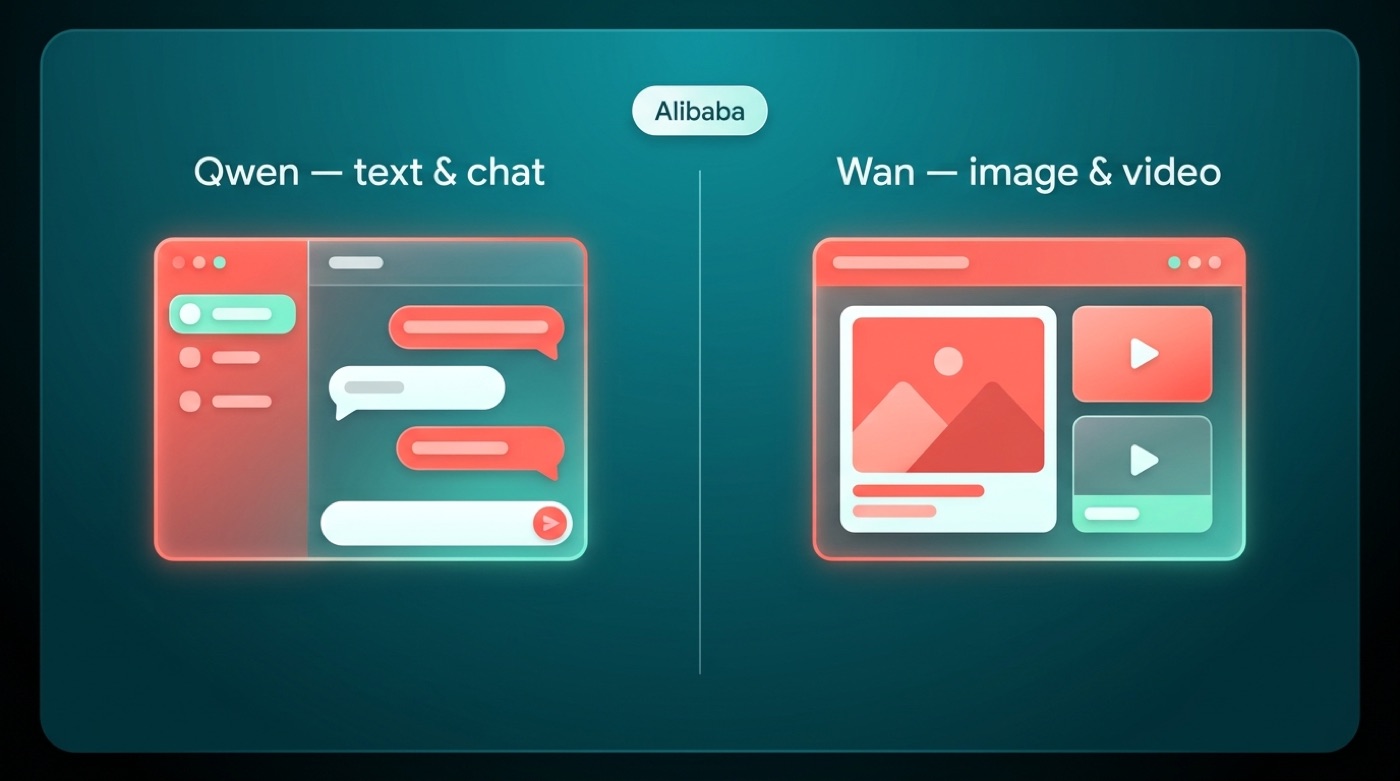
Alibaba runs two well-known AI lines, and it helps to keep them separate in your head. Qwen is the text and chat model family — think of it as Alibaba’s answer to a chatbot like ChatGPT. Wan is the picture-and-video side, built for generating visual content rather than holding a conversation. Both lines belong to Alibaba, and both sit under the company’s broader “Tongyi” branding, but they are trained and shipped as distinct products rather than one merged tool.
What Wan can actually make
Per Alibaba’s Wan2.1 README, the model line covers five task types: text-to-video, image-to-video, video editing, text-to-image, and video-to-audio. Alibaba also states that Wan is the first video model able to render both Chinese and English visual text inside a generated clip — a detail worth knowing if you need on-screen captions or signage in your output. Underneath the video side, a component called Wan-VAE handles the compression and reconstruction work needed to produce 1080P video, per Alibaba’s technical notes.
Capabilities at a glance
- Text-to-image — a still picture generated from a written prompt
- Text-to-video — a short video clip generated from a written prompt
- Image-to-video — animating a static image into motion
- Video editing — modifying an existing video using an instruction
- Video-to-audio — generating matching audio for a video clip
Table: task → what you give it → what you get
| Task | You provide | You get out |
|---|---|---|
| Text-to-Image | A text prompt | A still image |
| Text-to-Video | A text prompt | A short video clip |
| Image-to-Video | A still image (plus an optional prompt) | An animated video clip |
| Video Editing | An existing video plus an instruction | An edited video |
Open-source: where the Wan models live
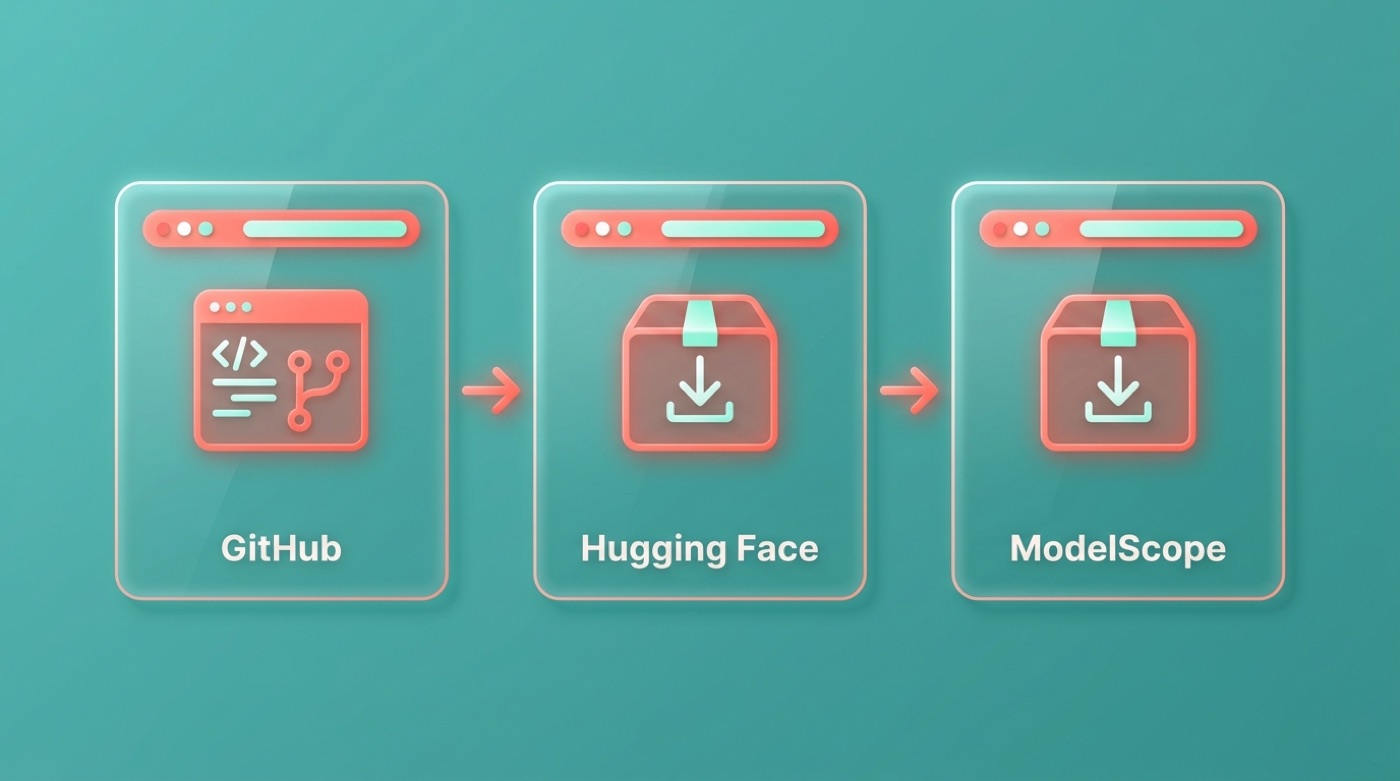
Per Alibaba’s repositories, both Wan2.1 and Wan2.2 are published on GitHub (github.com/Wan-Video), Hugging Face (huggingface.co/Wan-AI), and ModelScope. The models are also integrated into third-party tools such as ComfyUI and the Diffusers library, according to Alibaba’s own documentation, which lowers the barrier for anyone who already works with those pipelines.
Free to download and run
The open versions of Wan — Wan2.1 and Wan2.2 — are published as open weights rather than kept behind a paid API, so developers and hobbyists can download and run them on their own hardware. Alibaba states that the smaller Wan2.1 text-to-video model needs only about 8.19 GB of VRAM, which is small enough to run on a consumer card like an RTX 4090. All figures here are Alibaba’s own and should be checked against the current model card before you plan hardware around them.
Wan2.1 is a comprehensive and open suite of video foundation models that pushes the boundaries of video generation.
Wan-Video, Wan2.1 README (GitHub)
Beyond the headline text-to-video and text-to-image tasks, Alibaba’s documentation also covers deployment details — model sizes, VRAM requirements, and sample run times — for developers deciding which variant fits their setup.
Wan2.1 vs Wan2.2 — what changed
| Version | What Alibaba highlights | Runs on a consumer GPU? |
|---|---|---|
| Wan2.1 | Open suite covering text-to-image, text-to-video, and video editing; the small model fits roughly 8.19 GB VRAM | Yes — Alibaba cites an RTX 4090 |
| Wan2.2 | Mixture-of-Experts architecture; an open 5B TI2V model at 720P/24fps; cinematic-style output | Yes — Alibaba cites an RTX 4090 |
Numbered “how to get started” list
- Open the Wan GitHub repository at github.com/Wan-Video to read the current model list and requirements.
- Pick a specific model on Hugging Face (huggingface.co/Wan-AI) or on ModelScope, matching it to your available GPU.
- Run it through the provided code, or through an integration such as ComfyUI or the Diffusers library, both of which Alibaba’s repo lists as supported.
This is the technical route — it assumes some comfort with Python environments and GPU setup rather than a one-click consumer app.
How Wan relates to Qwen (both Alibaba)
Qwen is Alibaba Cloud’s large language model family, first released in 2023 and currently confirmed through Qwen3, per Alibaba. It handles text: chat, coding help, reasoning tasks. Wan is the image-and-video sibling — a separate model line trained for visual generation rather than conversation. Both fall under Alibaba’s “Tongyi” umbrella, which is why you’ll see the Chinese names Tongyi Qianwen (Qwen) and Tongyi Wanxiang (Wan) used side by side in Alibaba’s own materials.
One company, two model lines
- Qwen handles words — chat, coding assistance, and reasoning, released by Alibaba Cloud and documented at qwenlm.github.io.
- Wan handles pictures and video — text-to-image and text-to-video generation, published at github.com/Wan-Video.
- Both are Alibaba products, and both sit under the shared “Tongyi” branding, even though they ship as separate model lines with separate repositories.
- Version numbers stay conservative here: Qwen is documented through Qwen3, and Wan through Wan2.1/Wan2.2 — anything beyond that isn’t confirmed by Alibaba’s public repositories as of this writing.
Where a consumer can try image generation
There are two practical routes into Wan, and which one fits depends on whether you want control or convenience. Alibaba’s own hosted surfaces — Alibaba Cloud’s Model Studio and DashScope for developers, and Alibaba’s Qwen/Tongyi consumer apps — sit alongside the fully open-source path of downloading a model yourself. Availability, exact feature sets, and free-tier limits vary by region and change over time, so treat anything specific here as a starting point rather than a fixed spec — always check Alibaba’s official pages before planning around a particular tier.

Two practical routes
- Run it yourself. Download an open Wan model from Hugging Face or ModelScope and run it locally, or through a tool like ComfyUI. This is free aside from your own hardware, but it needs a capable GPU and some setup work.
- Use a hosted Alibaba service. Developers can access Alibaba Cloud’s Model Studio / DashScope platform; consumers can explore Alibaba’s Qwen and Tongyi apps directly. Exact availability, model names, and free tiers vary by region and change over time — check Alibaba’s official pages for the current state.
Whichever route you pick, the underlying model family is the same Wan line described throughout this guide — the difference is just who manages the infrastructure.
FAQ
Unofficial — not affiliated with, endorsed by, or sponsored by Alibaba or the Qwen team.
Sources: Wan2.1 on GitHub, Wan2.2 on GitHub, Wan-AI on Hugging Face.